30
English
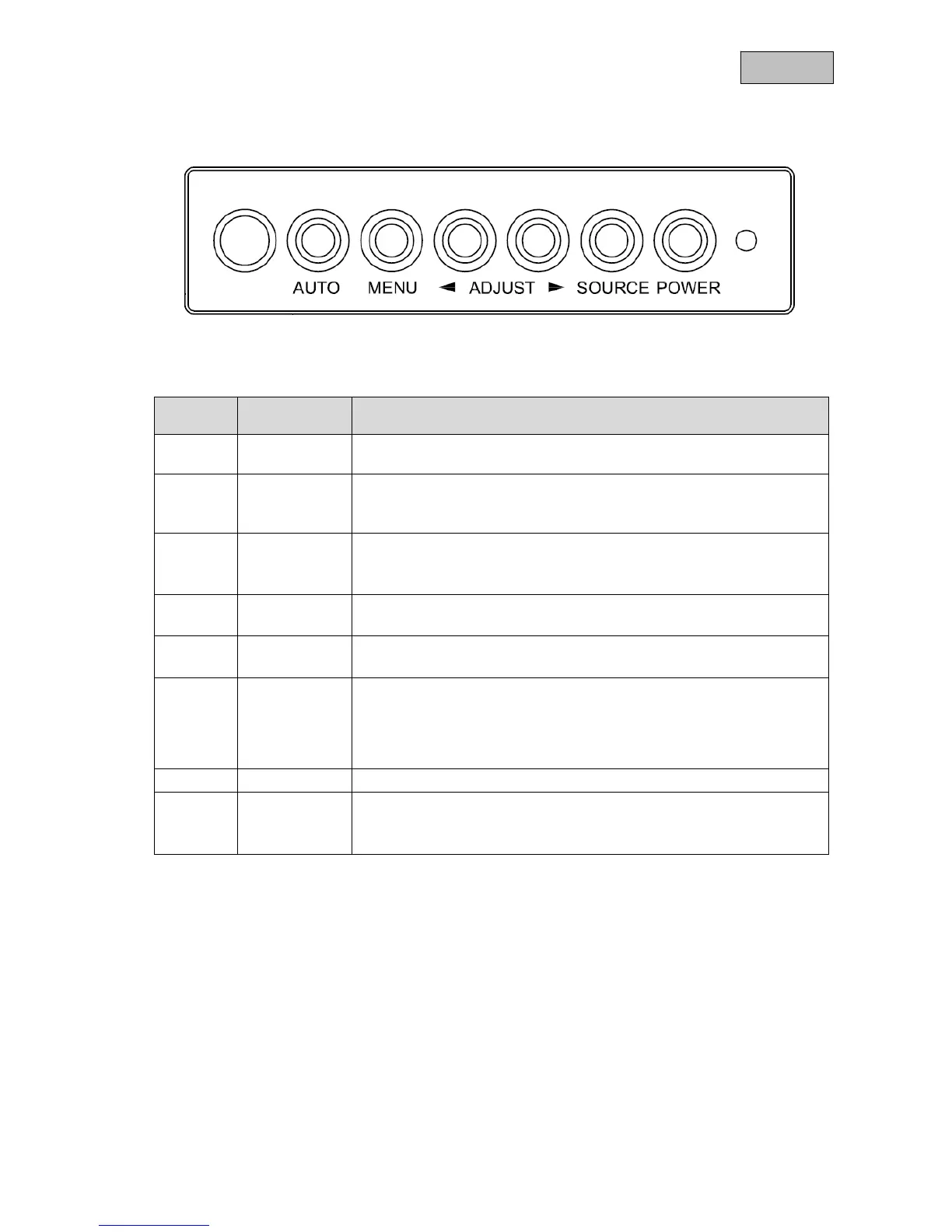
8. Button description
Number Button Desription
c
IR receiver
• IR LED for operating the unit with the remote control
d
Auto
• Automatic adjusting in the VGA-mode
• Call a menu item
• Select a menu item for adjustment
e
MENU
• Show the OSD (on-screen display)
• Confirm a selected value
• Exit a menu item and the menu
f
◄
• Reduce the value in the OSD
• Switch between menu items
g
►
• Increase the value in the OSD
• Switch between menu items
h
Source
Select the different input signals:
• VGA (PC or DVR signal input)
• AV1 (analogue video input)
• AV2 (analogue video input)
• S-Video (analogue video input)
i
Power
• Switch monitor on / off
j
Power LED
• Red: off
• Orange: standby (only VGA)
• Green: on
c d e
f
g
h
i
j



 To Next Page