34
English
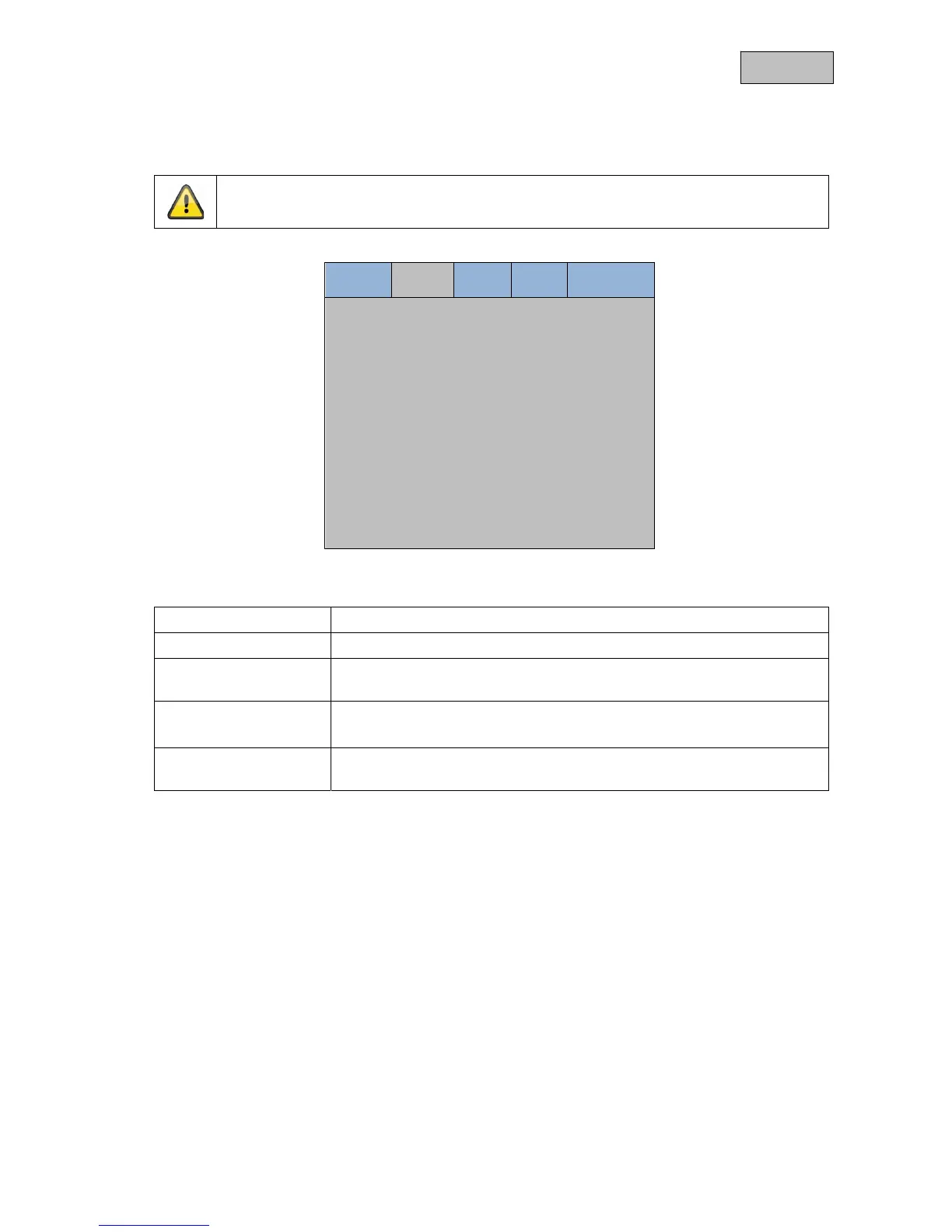
11.2 PIP
With this menu item you can adjust the settings of the picture in picture function.
Please note:
If you switch off the monitor the PIP settings will be lost.
Image PIP Setup VGA Language
PIP Mode < None >
PIP Source < BNC2 >
PIP H Position < 10 >
PIP V Position < 10 >
PIP Swap >
PIP Mode
Select the picture-in-picture size.
PIP Source
Select the input for the Picture-in-Picture function
PIP H Position
Adjusting the horizontal position of the picture-in-picture input.
Selection range 0 (left) till 10 (right)
PIP V Position
Adjusting the vertical position of the picture-in-picture source.
Selection range 0 (top) till 10 (bottom)
PIP Swap
With this function you can swap the main picture with the overlaid picture.
Choose the menu sub item and confirm this with the ► button.



 To Next Page