17
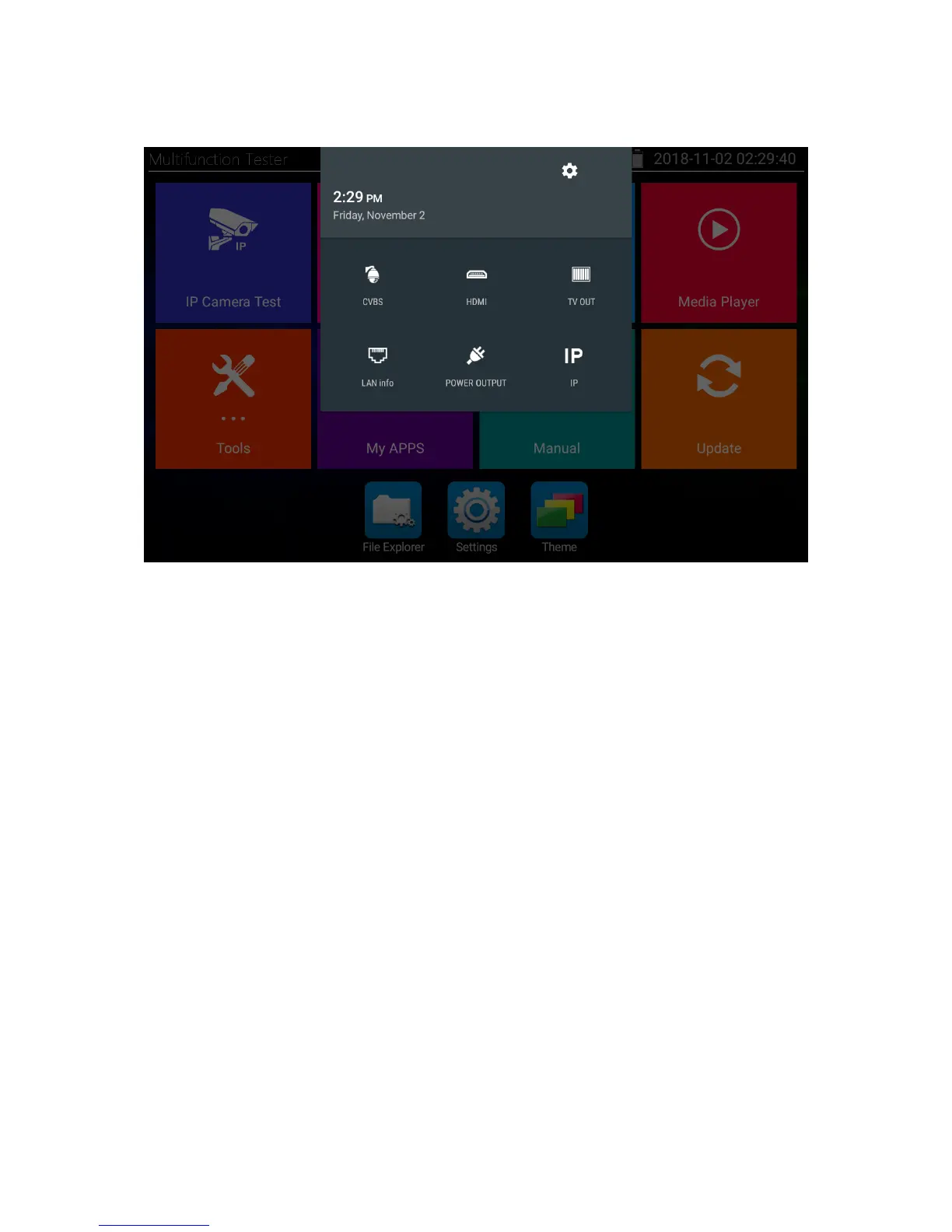
Drop-down menu
By double-swiping across the display from the top to the bottom, you can open the
Drop-down menu, where you can find useful additional functions.
• CVBS: CVBS input displayed picture in picture
• HDMI: HDMI input displayed picture in picture
• TV OUT: TV OUT displayed picture in picture
• LAN info: LAN information displayed picture in picture
• POWER OUTPUT: Activate or deactivate PoE output
• IP: Open IP settings



 To Next Page