16
English
4. Physical descriptions
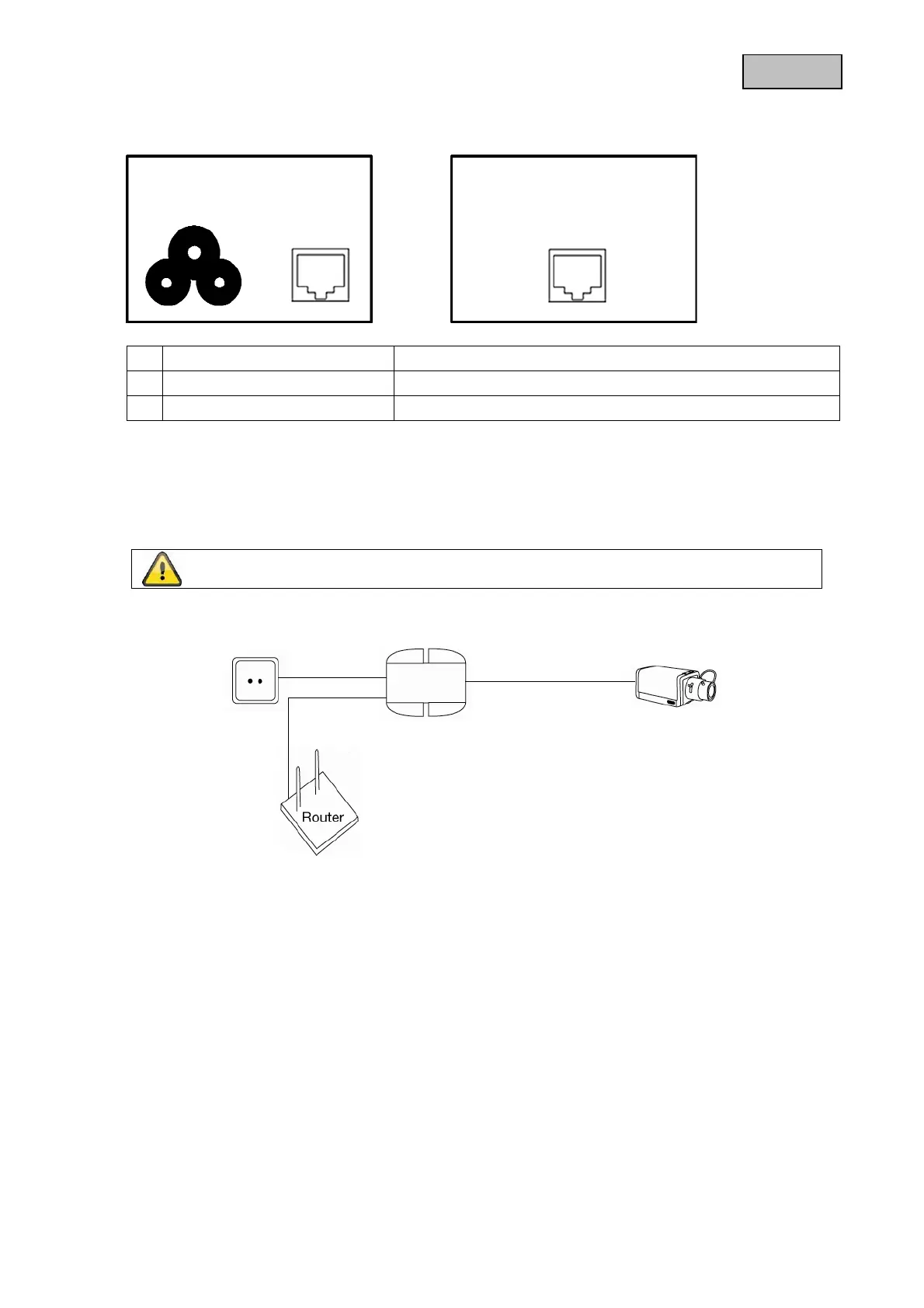
5. Description of possible connections
5.1 Usage with PoE compliant terminals
1. Connect the 3 pin power cord to the power plug of the injector. The LED will now shine red.
2. Now connect the RJ-45 port, which is on the same side as the power port, with your router, access
point etc.
3. Now connect the injector with the PoE compliant device. Use for this connection a network cable of
the category 5e (e.g. TVAC40800 – TVAC40850).
4. As soon as the injector recognizes a PoE compliant device, the LED will shine green.
c
Power supply 100 – 260 VAC, power cord
d
RJ-45 Input Shielded RJ-45 jack for e.g. router, access point etc.
e
RJ-45 Output Shielded RJ-45 jack for PoE transmission
Warning:
Before installation please make sure that the terminal is PoE compliant.
c
d
e
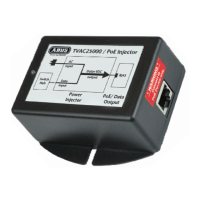
PoE Injecto


 To Next Page