15
5.1. Video control
These functions are only available when using Internet Explorer.
Snapshot
The web browser displays a new window containing the snapshot. To save the snapshot, either left-click it
and then click the floppy disk icon or right-click it and select “Save” from the context menu.
Full-screen view
Activate the full-screen view. The live image on the network camera is shown on the entire screen.
Start/stop live image display
The live stream can be stopped or ended. In both cases you can continue the live stream by pressing the play
symbol.
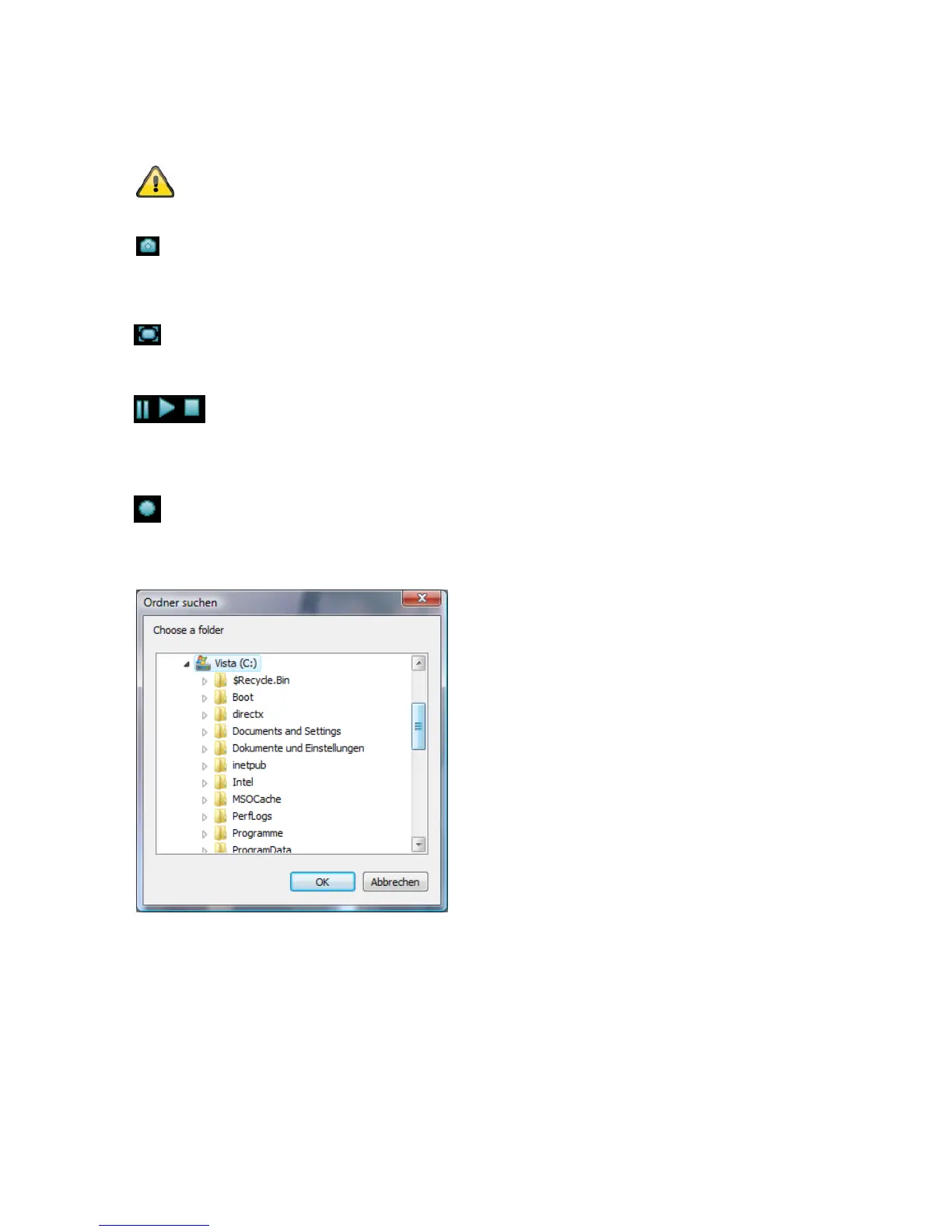
Local recording
A recording on the local hard drive can be started or stopped. If you click the button, the Windows “Save as”
dialog is called up.
Select a target directory on your hard drive. A directory and recording file are created automatically in the
folder under the following name:
YYYYMMDD
YYYYMMDDHHmmss.avi
Y = Year
M = Month
D = Day
H = Hour
m = Minute
s = Second



 To Next Page