18
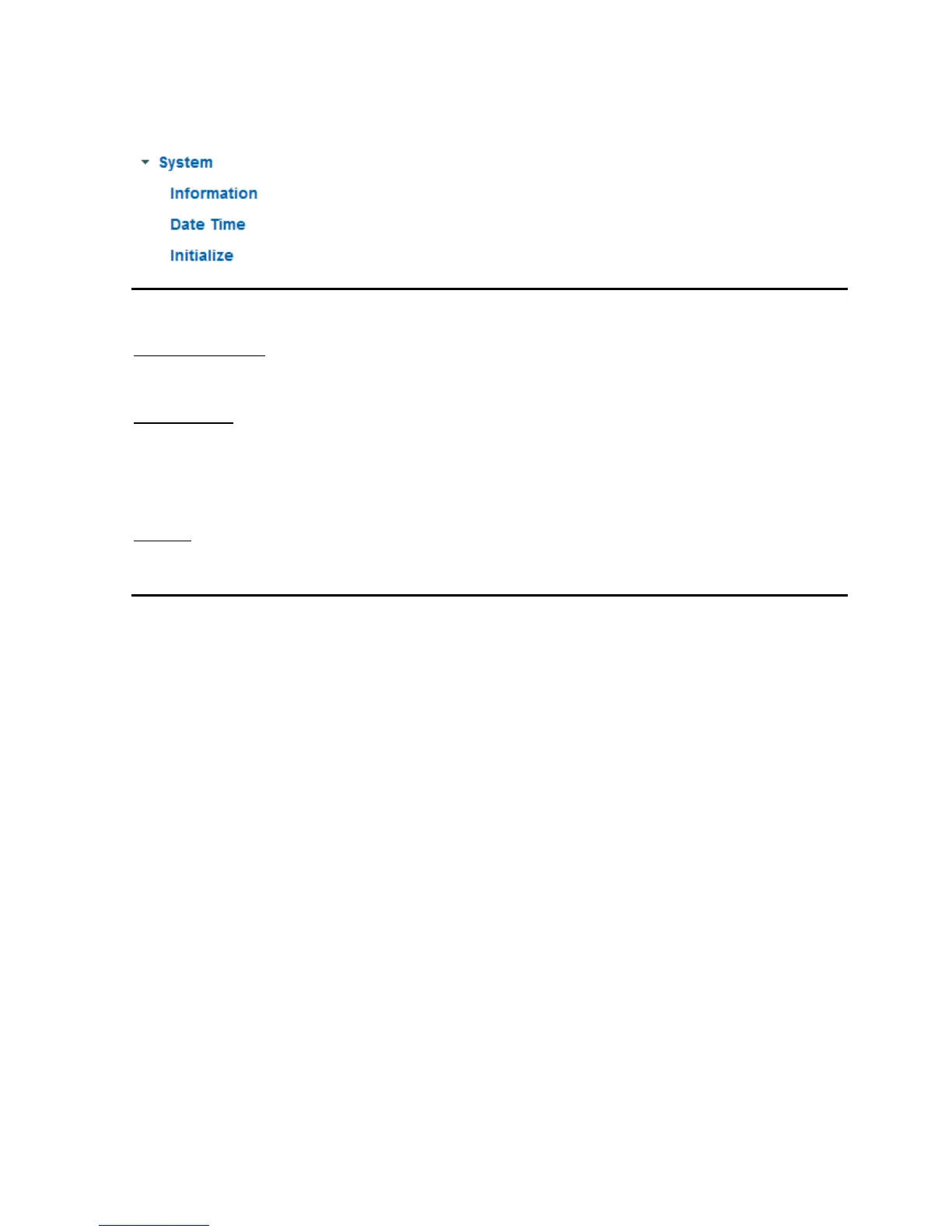
6.1 System
Information
Product information:
Product name: The product name indicates the functions included (e.g. WLAN).
Current version: Shows the current version of the installed firmware.
Image settings:
Brightness: Shows current brightness value
Contrast: Shows current contrast value
Saturation: Shows current saturation value
Sharpness: Shows current sharpness value
White balance: Selected option for white balance
Network:
LAN status: Current used IP addess and HTTP port
Wireless status: Information about current wireless settings (only TVIP10055B)
Information
LED: Activate or deactivate the status LED at the front side of camera.
Hostname
Camera name: This is the description of the camera inside the network. As default the item number is
configured.



 To Next Page