23
DDNS
DynDNS or DDNS (dynamic domain name system entry) is a system that can update domain name entries in
real time. The network camera is equipped with an integrated DynDNS client that updates the IP address
independently via a DynDNS provider. If the network camera is located behind a router, we recommend using
the DynDNS function of the router.
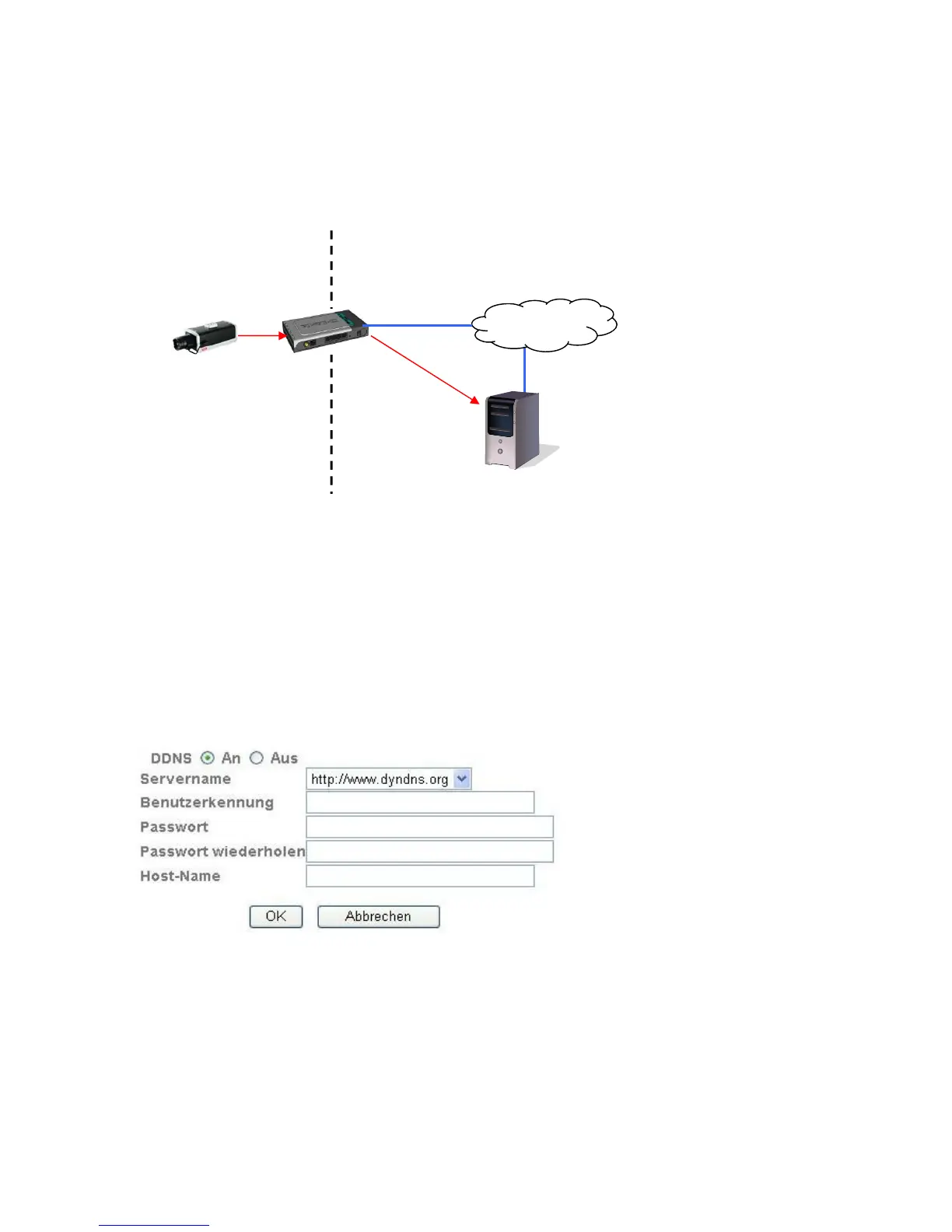
The following diagram offers an overview of accessing and updating the IP address using DynDNS.
DDNS:
Activates or deactivates the DDNS function.
Server name: Select a DDNS service provider. You must have registered access to this DDNS
service provider (e.g. www.dyndns.org).
User ID:
User ID of your DDNS account
Password: Password of your DDNS account
Repeat password:
You need to confirm your password here.
Host name: Enter your registered domain name (host service) here (e.g.
myIPcamera.dyndns.org).
Setting up a DDNS account
Set up a new account as follows under DynDNS.org:
DynDNS.org
Name Server
192.168.0.3
195.184.21.78 name.dyndns.org
195.184.21.78
LAN WAN
Internet
DynDNS access
data



 To Next Page