EasyManua.ls Logo

Abus TVVR36301 - Add User; Change User; Delete User; User

Abus TVVR36301
Print Icon
To Next Page IconTo Next Page
To Previous Page IconTo Previous Page
Loading...
16
User
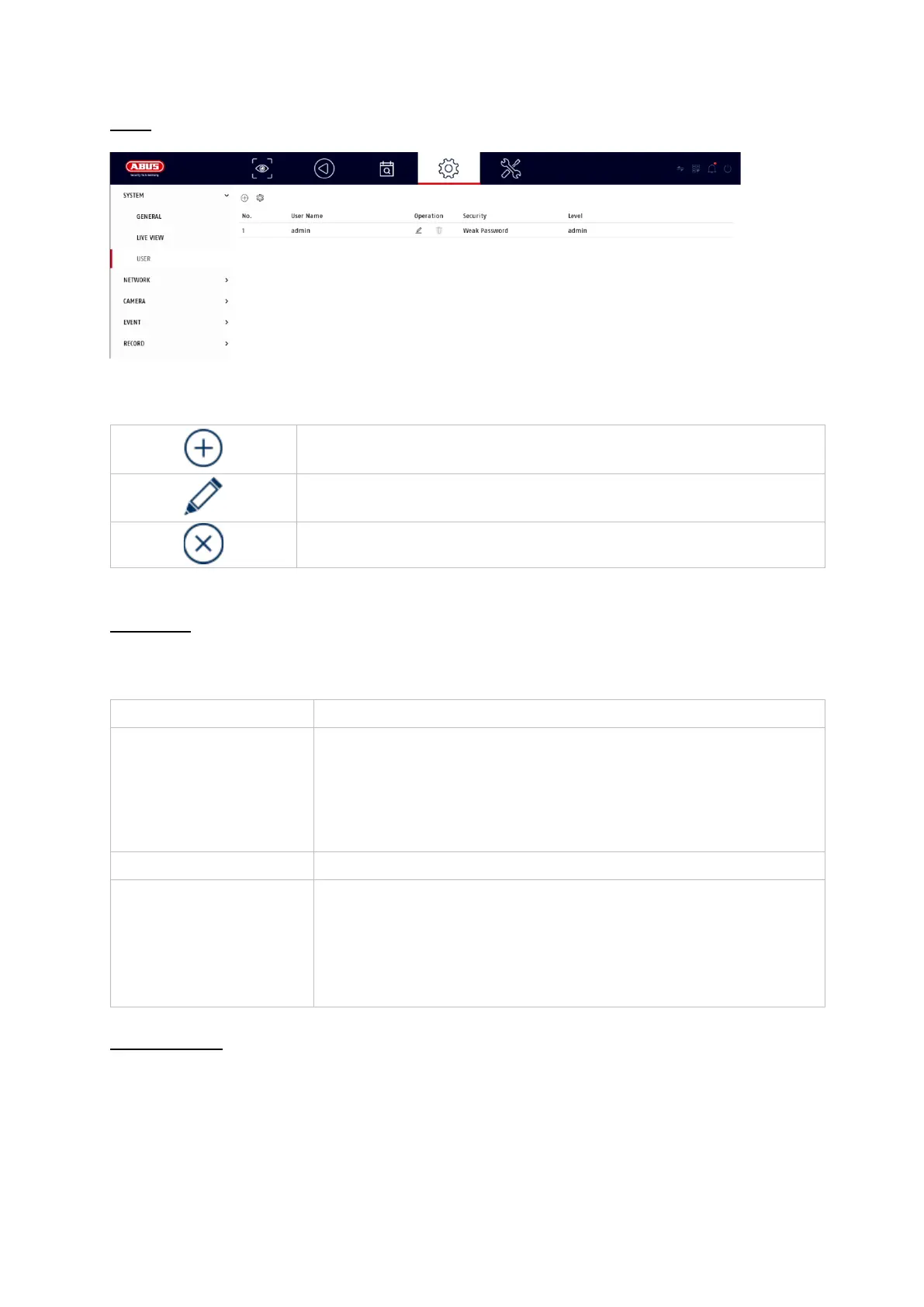
User administration takes place in the "Users" menu.
Add user
To add a user, click on the "+" symbol.
Change user
To change the settings for a user, first select a user and then click on the "Change"
icon.
The following changes can be made:
Username
Password
User authorisation
Add user
Change user
Delete user
Username
Choose a unique name
Password
Choose a password
Note: change passwords regularly, use combinations of
letters, numbers etc., write down passwords in a protected
place.
Confirm
Confirm the password
User authorisation
Select the authorisation level of the user.
IMPORTANT:
More rights can be set for the operator level than for the
guest level.

Table of Contents

Other manuals for Abus TVVR36301

Related product manuals