29
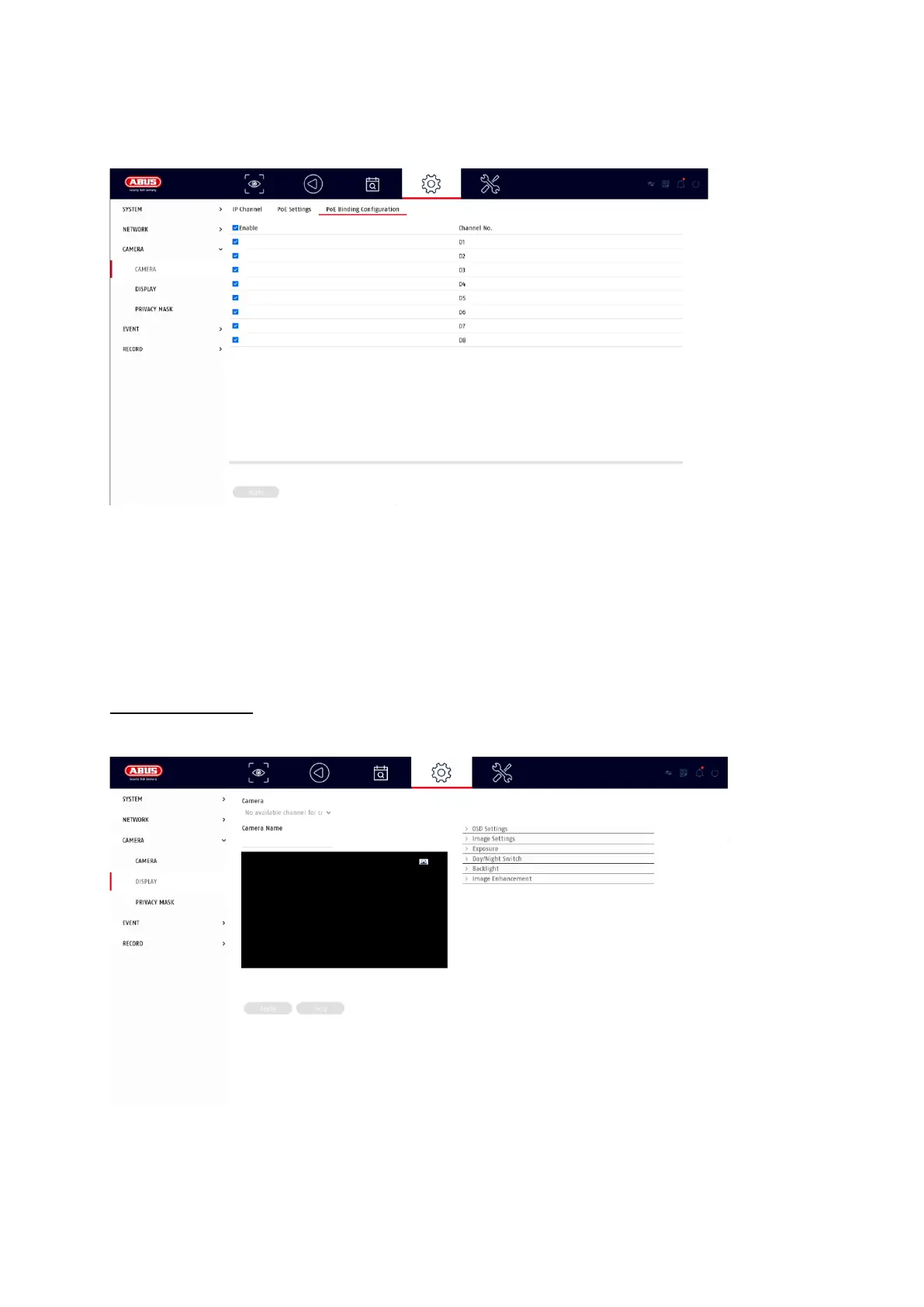
B) Configure PoE connection
Here you will find a list in which you can activate/deactivate the PoE channels.
If you deactivate the "PoE ports", you can add network cameras in the "IP camera"
menu in the normal way.
Display settings
Here you have the option of making individual settings per camera for the display of
the camera. The positioning of the camera name and date & time can be made
directly in the displayed live image.



 To Next Page