28
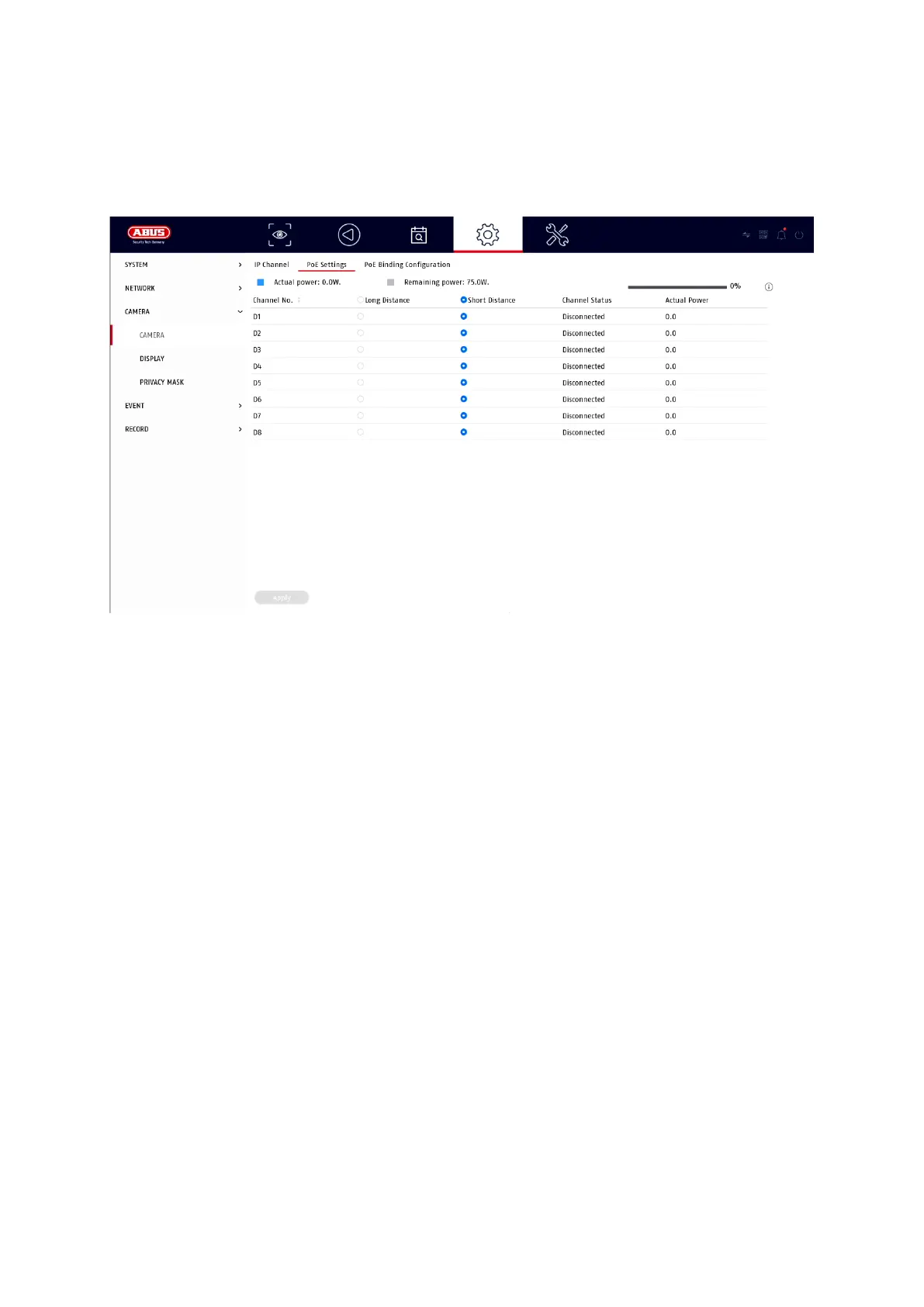
The configuration options for the integrated PoE ports can be found locally on the
unit under "Camera" / "PoE settings".
A) Configure PoE power supply
-channel: The number of available slots is displayed here
-Long distance transmission: Here you can activate the long-distance
transmission
-Short-range transmission: Here you can activate the short-range transmission
-Channel Status This shows which cameras are connected.
Info display:
-current power Here, the power consumption of all connected cameras is added
together.
-power still available Here the unused power is displayed



 To Next Page