29
CONTROLLER SETTINGS
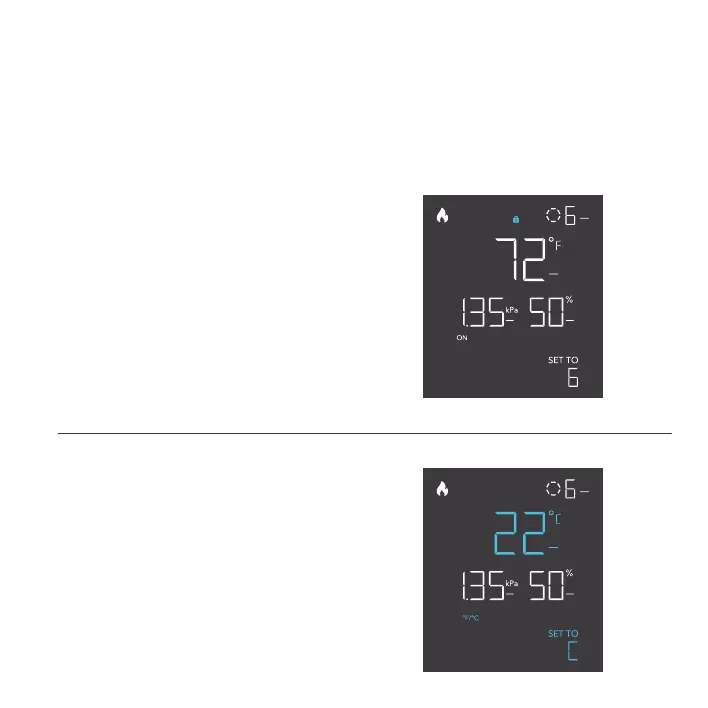
Pressing the setting button will cycle through the controller’s available settings: °F / °C, CALIB. T° / H%,
and LEAF OFFSET.
TOGGLING THE DISPLAY
Lock the controller by holding the setting button.
Press the setting button to turn the display off.
Pressing the setting button again will turn the
display back on.
Programs will still run in the background while
the LCD screen is off.
°F/°C SETTING
Changes the displayed units to Fahrenheit
or Celsius. Press the up or down button to
cycle through F and C. All displayed units will
automatically convert when adjusting this setting.
PROGRAMMING



 To Next Page