Page 10 of 18 Copyright © Access-IS 2019
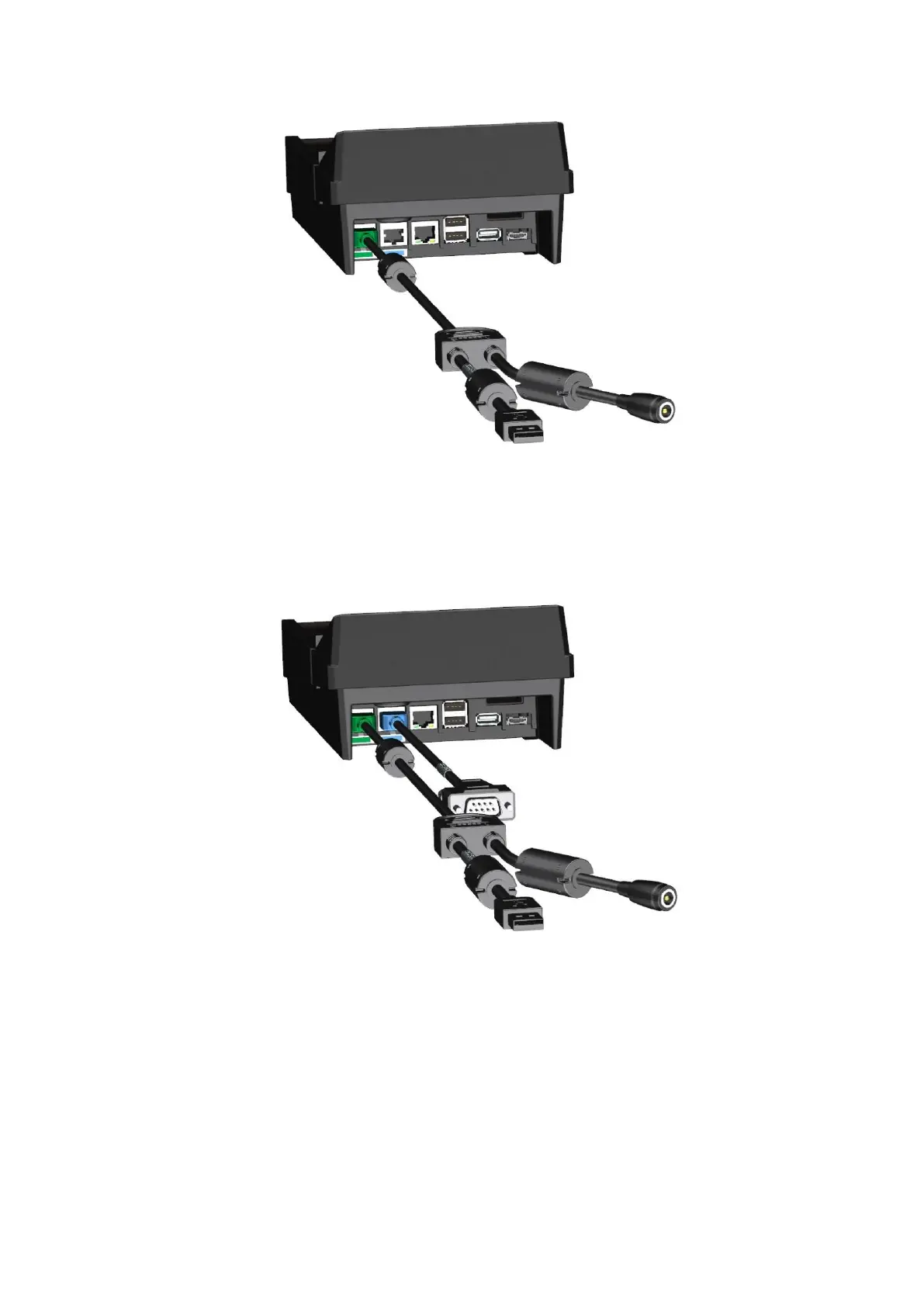
If using a USB cable, connect the USB connector to a USB port on the computer.
Figure 3: USB connection
4. Plug the power cable into the coaxial power connector on the Y-cable and then connect the
Access-supplied power supply to an AC outlet.
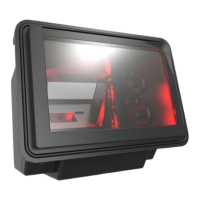
5. Optional: Connect a printer via the RJ50 port.
Figure 4: Printer connection
6. Once connected to the host computer, turn on the BGR750 using the switch at the rear of the
unit.


 To Next Page