13
Watching Recordings or OnDemand.
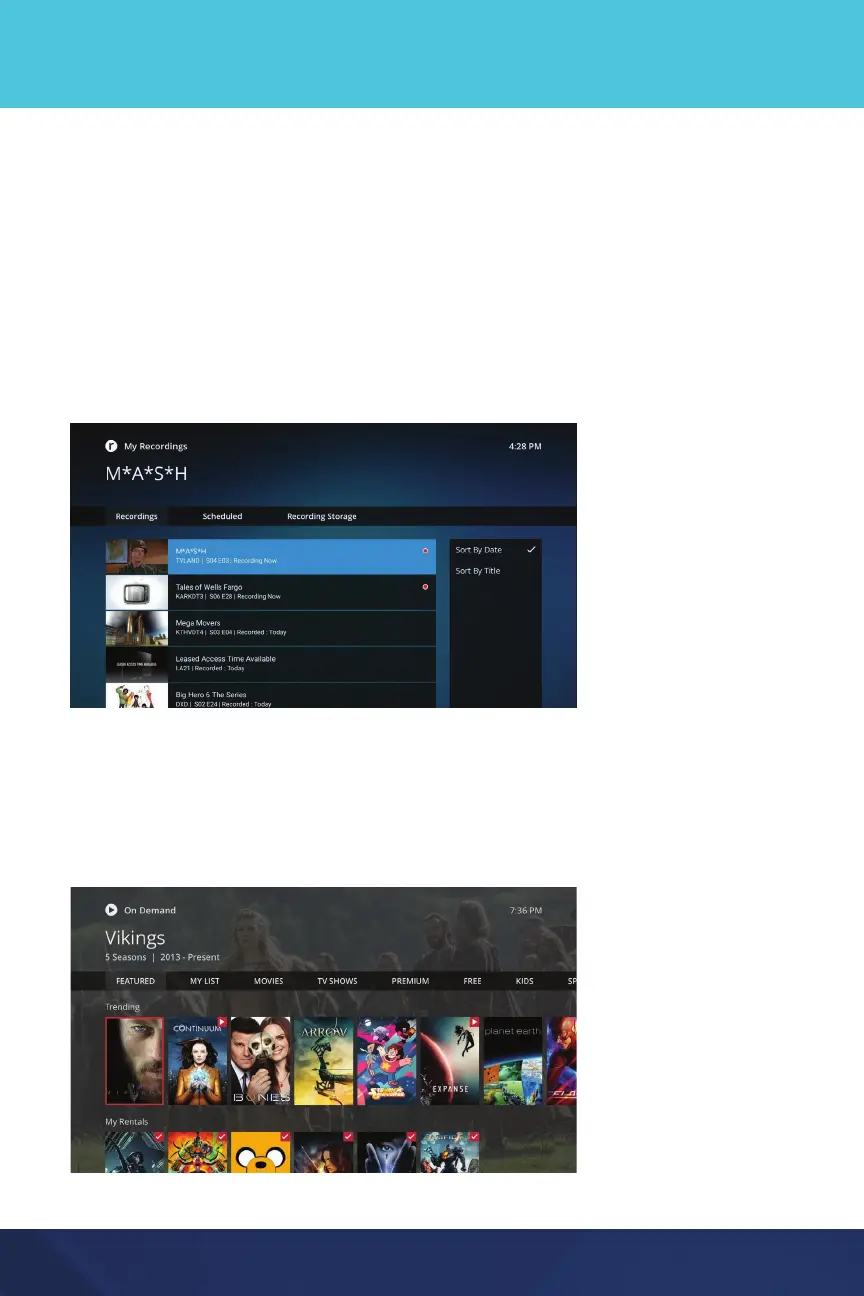
Recordings
To record a show, simply select it from the Guide and then select Record.
Or, within a live show, use the Select or OK button to show the options menu
and select Record.
Choose My Recordings from the Home screen (or Home menu on mobile
devices) to see all of the shows or movies you have previously recorded.
Because these shows are stored on a Network PVR, or “in the cloud” you can
access them from any device from where you typically watch AccessNexTV.
Shows with Restart enabled will automatically record from the beginning.
OnDemand
The OnDemand catalog features both free and paid content. Watch hit movies
or binge watch your favorite TV shows. AccessOnDemand from the top Menu
on the Home screen (or Home menu on mobile devices).


 To Next Page