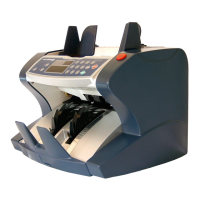
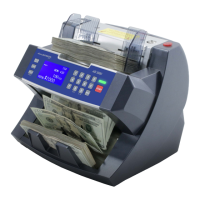
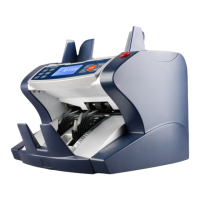
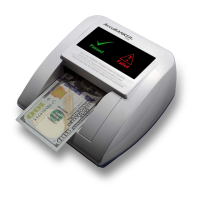
14
4. Operation
4.1 Counting Operation
- Turn on the equipment by pressing the power switch.
- The unit will immediately proceed with a self-check routine to confirm
the proper functioning of its main components. If any error message is
reported, go to the Error Messages section of this guide to identify its
cause.
- Select the desired detection functions MG-UV-DD (MG - UV only
available on models with counterfeit detection).
- Set up other optional functions such as SPEED, BATCH, etc.
- Place the bills in an orderly manner on the hopper tray and the equipment
will start counting automatically.
NOTE: If the unit is in MANUAL mode, press START to begin counting.
4.2 Miscounting errors
If there are continuous counting errors proceed to:
- Make sure the bills are positioned neatly on the hopper tray.
- Verify that the counting sensors are not affected by particles of dust or
some other nature.
- Make sure that the thickness adjustment gap is in the proper position for
that bill (whether old, new, paper, or polymer).
- If the equipment displays continuous error messages related to the MG
and UV functions, consider reducing the sensitivity.


 To Next Page