8
1.2 Initializing Procedure
1. After turning On, the unit will conduct a self-check procedure by spinning the
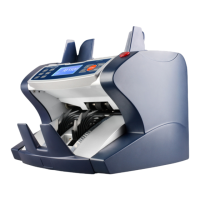
rollers and showing the message “AccuBANKER-AB5500” on the LCD display
while all the electronic components are tested.
2. If an error message appears on the display, proceed in accordance with the
instruction given in the Section “Error Messages”.
1.3 Thickness Knob Adjustment Procedure
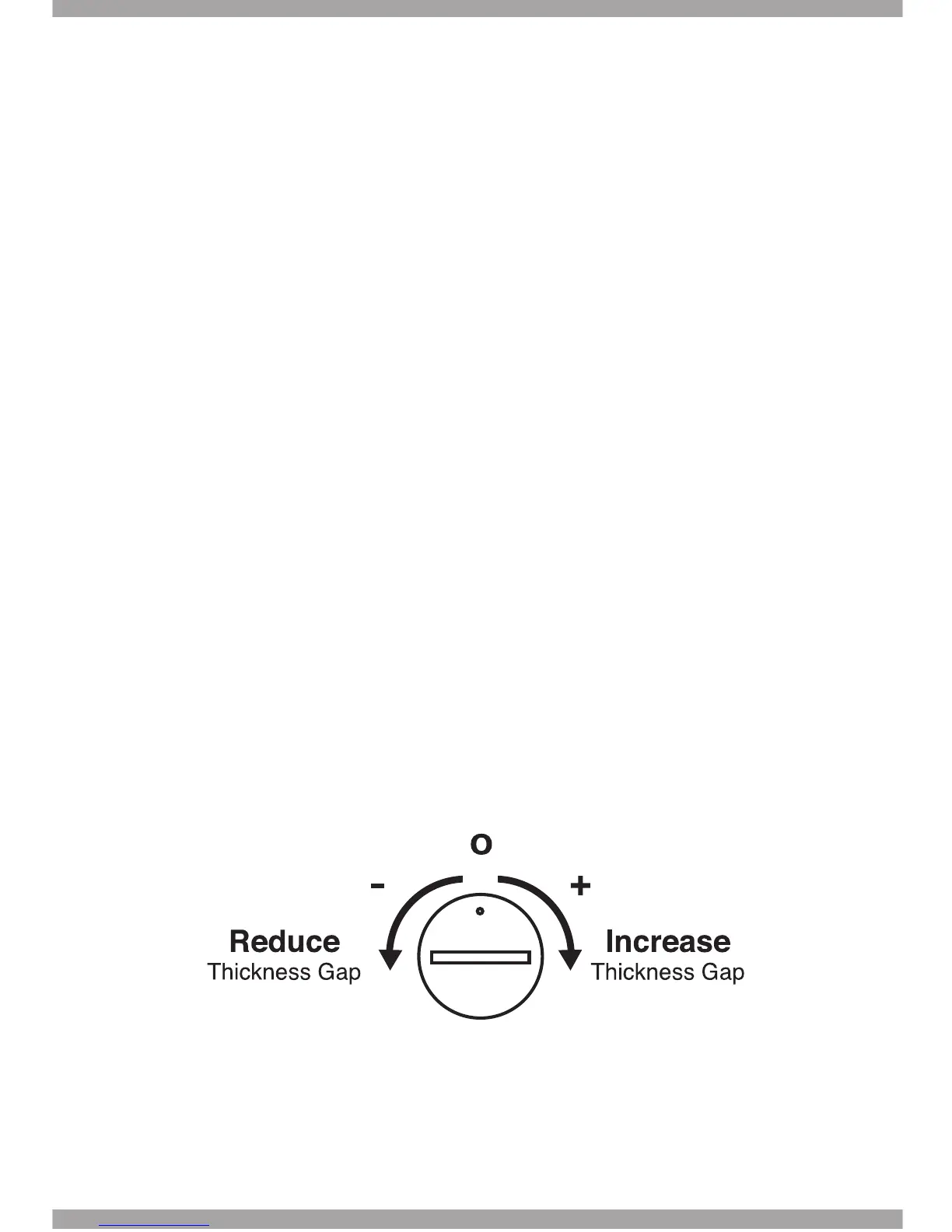
1.The Thickness Adjustment Knob is set at 0 as the standard setting from factory.
2.Having the right thickness adjustment knob positioning will ensure a smooth
counting as well as a trouble-free unit’s operation.
3.Trial and error attempts are recommended before you make the nal
adjustment.
a. for new (thinner) notes, adjust toward “-“
b. for used (thicker) notes, adjust toward “+”
c. small adjustment toward “+” direction works best
2. General Parts and Controls


 To Next Page