10
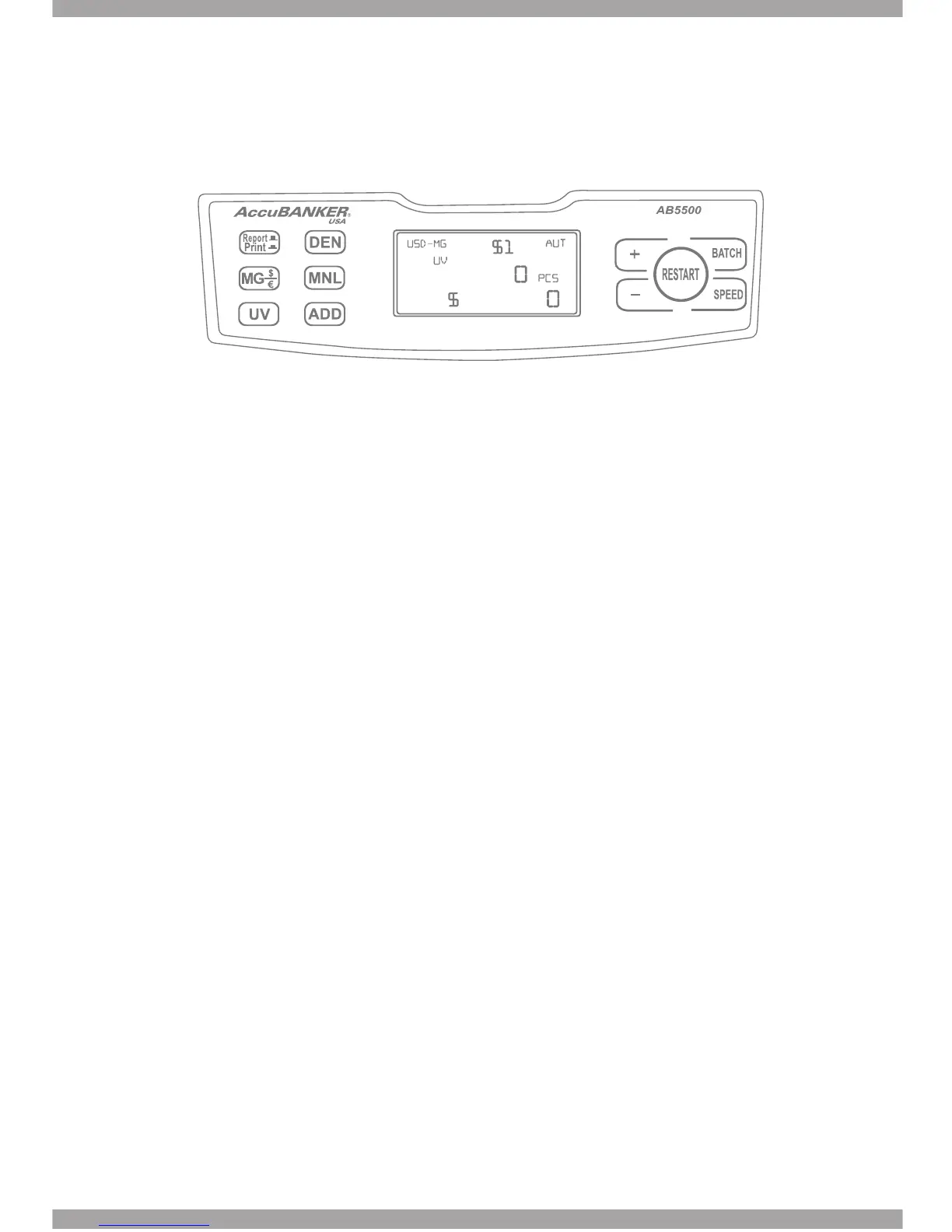
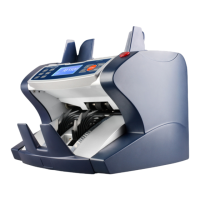
2.2 Control Panel Description
Button Functions
• DEN: Value Extension Function
The user selects the specic denomination to count and at the end of the count-
ing the display will show both data, the quantity of bills as well as the total
amount of money involved in the counting.
Note: In case the user needs to set up USD denominations, the MG function
must be set up in “USD-MG”. Otherwise it will not allow you to set up in USD
denominations.
The same if the user wants to set up EURO denominations, the MG function
must be set up in “EUR-MG”. Otherwise it will not allow you to set up EURO
denominations.
• MNL: Automatic or Manual starting mode.
The unit begins counting automatically when banknotes are placed in the
hopper. To control manually this action manually, press the MNL (manual) but-
ton.
• ADD: Adding function On / Off.
This function allow the unit to add up all the consecutive operations made with
this function ON.
• REPORT / PRINT
Report: After pressing this button for 3 sec. the display will show the details of
the counting. The +/- keys will help you to visualize the entire information.
Both data, the Quantity (PCS) and Total Amount per denomination are shown, as
well as the Grand Total amount involved in the counting.
Print: With a single press on this button the unit will print a receipt with the
details of the counting.


 To Next Page