23
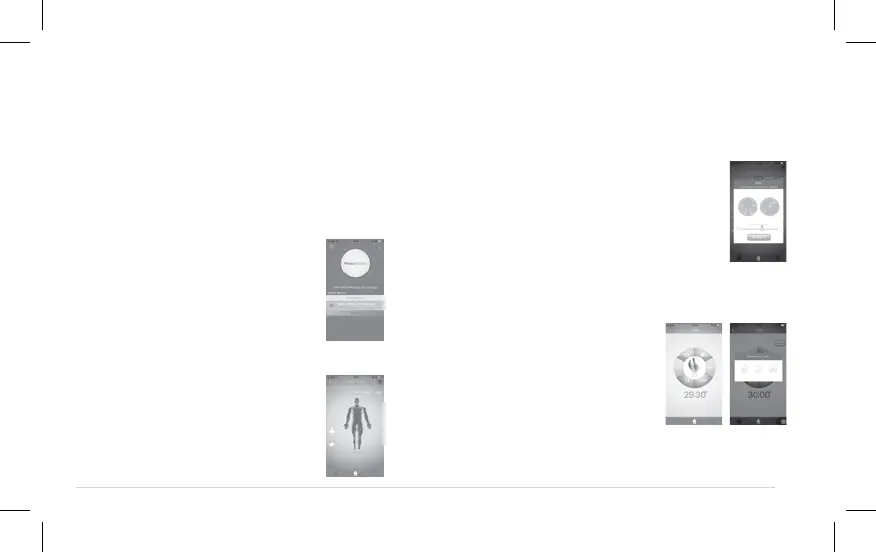
Step 5–Starting a session through the use
of the device application
n Ensure that the Bluetooth (4.0)
connection is activated on your
smartphone or tablet. Turn on
the APP.
n Press the on/off button on the
device so that the device is in
standby mode (Continuous
green light : Standby mode,
ready for the session). The App
detects the device which is
switched on. In case of inactivity
for more than 5 min, the device
switches off. Press the on/off
button again to begin a session.
Step 6–Select the area to be treated
In the case of a new session, it is
essential to select a treatment
area and a program.
Step 7–Estimate the intensity of pain you are
currently experiencing in the area to be treated
(in TENS mode)
On a scale of 1 to 10, evaluate the intensity
of the pain. For no pain press 0, for
extremely intense pain press 10.
ACRL-9100
Step 8–Select and start a session
n Starting a session : Click“+” button to begin
treatment
n After session is complete,
estimate your satisfaction
level, the session is then
recorded in the history


 To Next Page