3-1 Detail description for the function
■ Setting the Sweep and Measuring Unit
[MENU], [ENTER]
[▲/LIGHT]
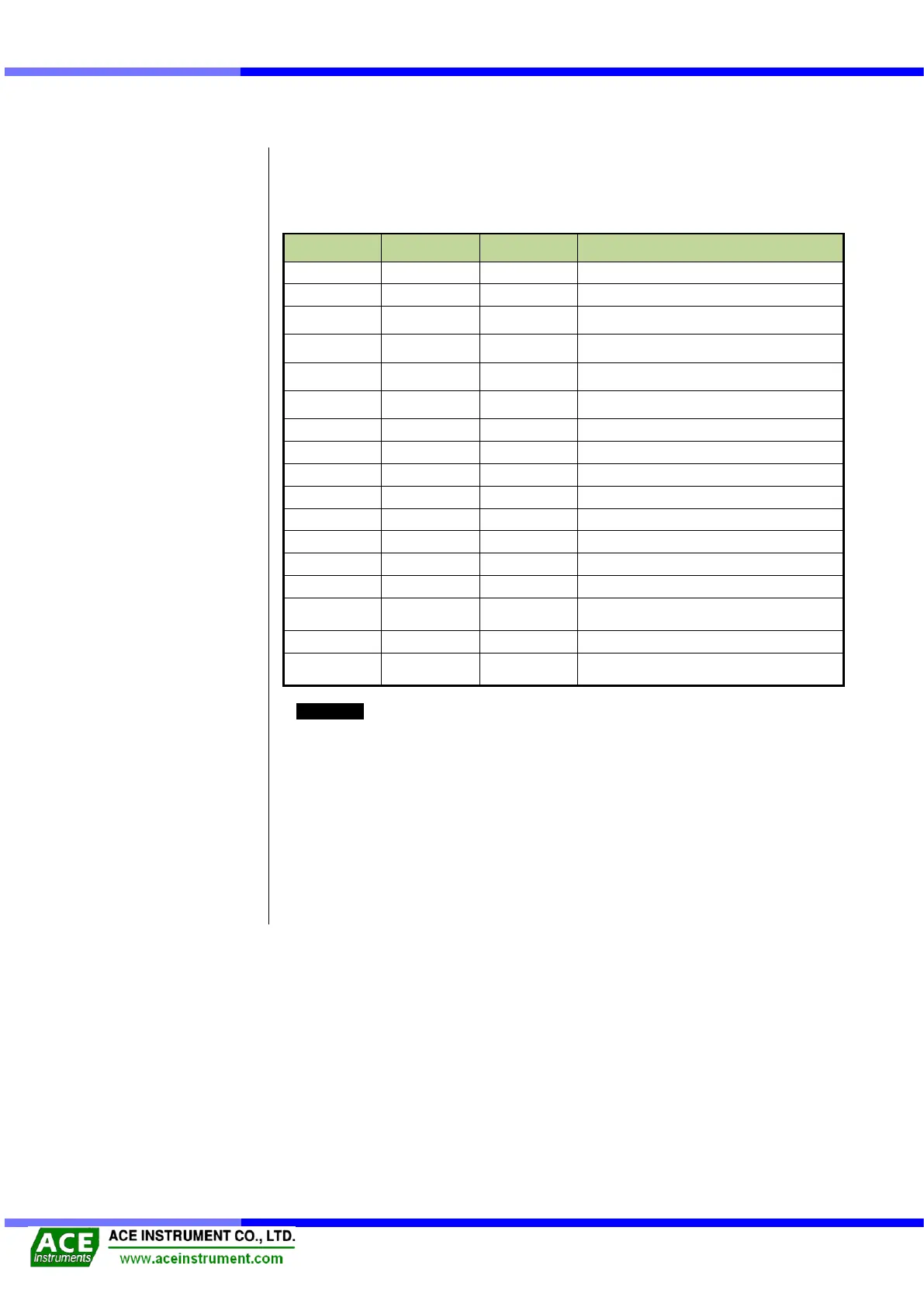
Like the below table it is recommendable to change them by using [MENU], [ENTER] and
[▲/LIGHT] buttons, depending on the situations on the site.
Indication of LCD Display
Main screen Backlight OFF
Sweep Mode A / 0.45 kHz∼1.2 kHz
Sweep Mode B / 0.8 kHz ∼2.0 kHz
Sweep Mode C / 1.4 kHz ∼ 3.5 kHz
Sweep Mode D / 2.4 kHz ∼ 6.0 kHz
Temperature Sensor Type / RTD
Temperature Sensor Type / NTC
Display Mode 1 / Period(μs)
Display Mode 4 / με0.7756
LCD Contrast 10 (LCD Brightness
adjustment)
POWER OFF TIMER(10min interval)
Battery status
Display Version Information
Reference
(1) Temperature sensor
[RTD] indicates the resistance temperature device when the temperature sensor type is
specified. The resistance value changes according to the temperature change is positive
(+), [NTC] indicates the thermistor, and the resistance value change according to the
temperature change is negative (-).
(2) LCD Contrast
When the brightness of the LCD changes according to the weather, use the arrow keys to
adjust the brightness appropriately.
(3) POWER OFF TIMER
Use the arrow keys to turn off the auto power off and set it in every 10-minutes.


 To Next Page