EasyManua.ls Logo

ACE INSTRUMENTS ACE-1000 - Description of MENU

ACE INSTRUMENTS ACE-1000
20 pages
Print Icon
To Next Page IconTo Next Page
To Previous Page IconTo Previous Page
Loading...
3. Description for Using
1. 5
- 6
Saving Measurement
[MENU], [ENTER]
[▲/LIGHT], [▼/SAVE]
Like the below table it is useful to save the values in the VW data recorder by using
[MENU], [ENTER], [▲/LIGHT] and [▼/SAVE].
[MENU]
[ENTER]
[▲/LIGHT]
[▼/SAVE]
Indication of LCD Display
-
-
-
-
Indication of measured data
-
-
-
1 Click
ID setting screen
-
-
Click
-
Change ID (increase)
-
-
-
Click
ID change(decrease)
-
1 Click
-
-
Saving measured data
1 Click
Return to main display
Reference
Used while the measured value is on the screen.
Transducer Connector
& 10pin Jumper Cable
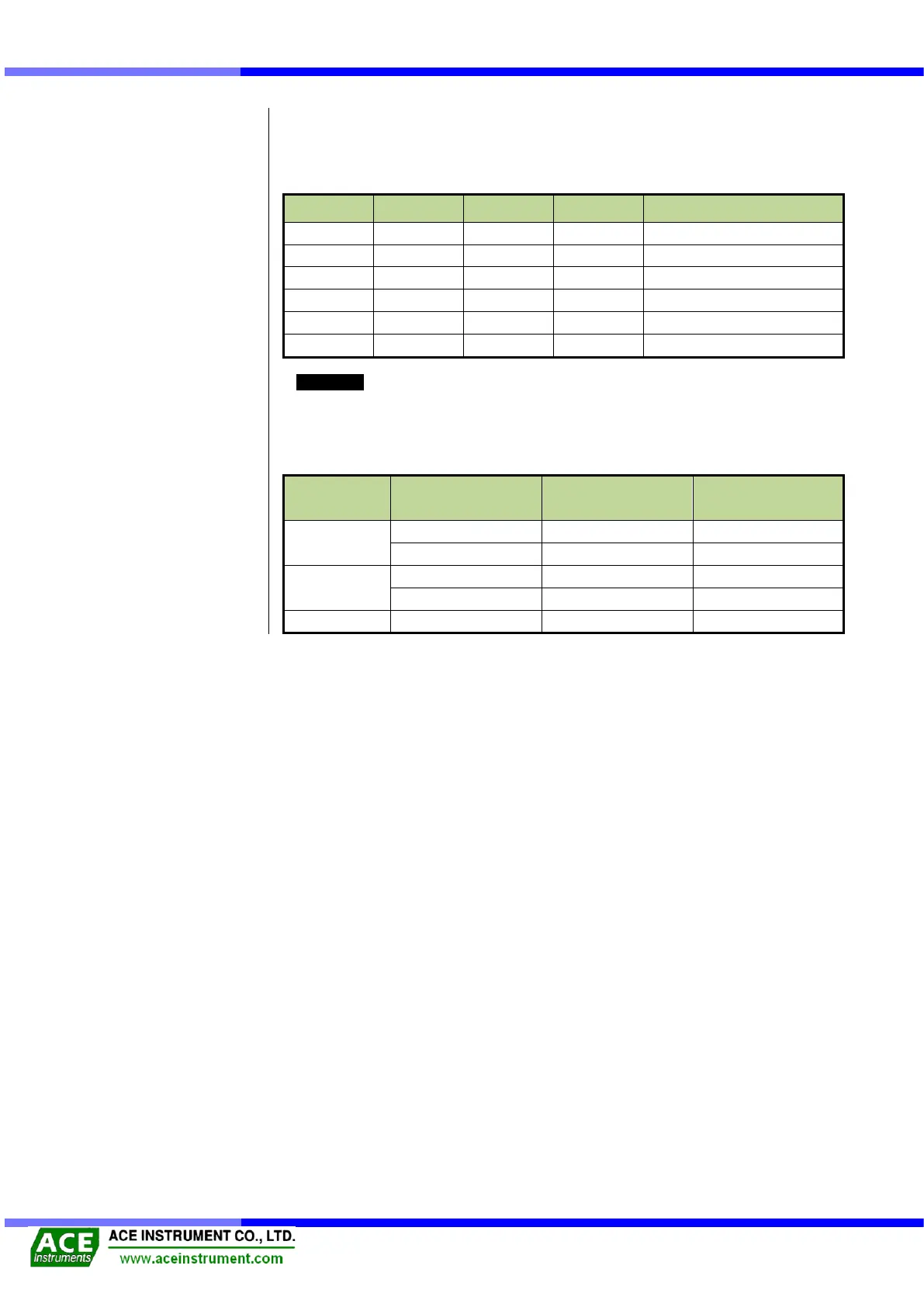
Connect 10Pin Connector with the Jumper Cable, connect a VW type sensor and measure
it as below table.
Function
Jumper Cable
Color
Jumper Cable
Clip Color
VW sensor
Cable Color
Measuring
Frequency
RED
RED
RED
BLACK
RED
BLACK
Measuring
Temperature
GREEN
BLACK
GREEN
WHITE
BLACK
WHITE
SHIELD
YELLOW
BLACK
Silver(no sheath)