3-2 MENU Description (Applying display units by changes in Mode)
In principle LCD adjust the contrast. When a product is shipped, LCD contrast is set at "10"
(25 as a standard). If the area is hot or it is summer time, set at “5∼7”(about 30∼35℃).
If it is cold or winter time, set at “12∼15”(about 0∼15℃). The contrast can be adjusted
from 1 to 20.
Adjust the frequency range of the unit to come into the Sweep Mode, and change the
sweep mode.
Applying display unit by
Changes in Mode
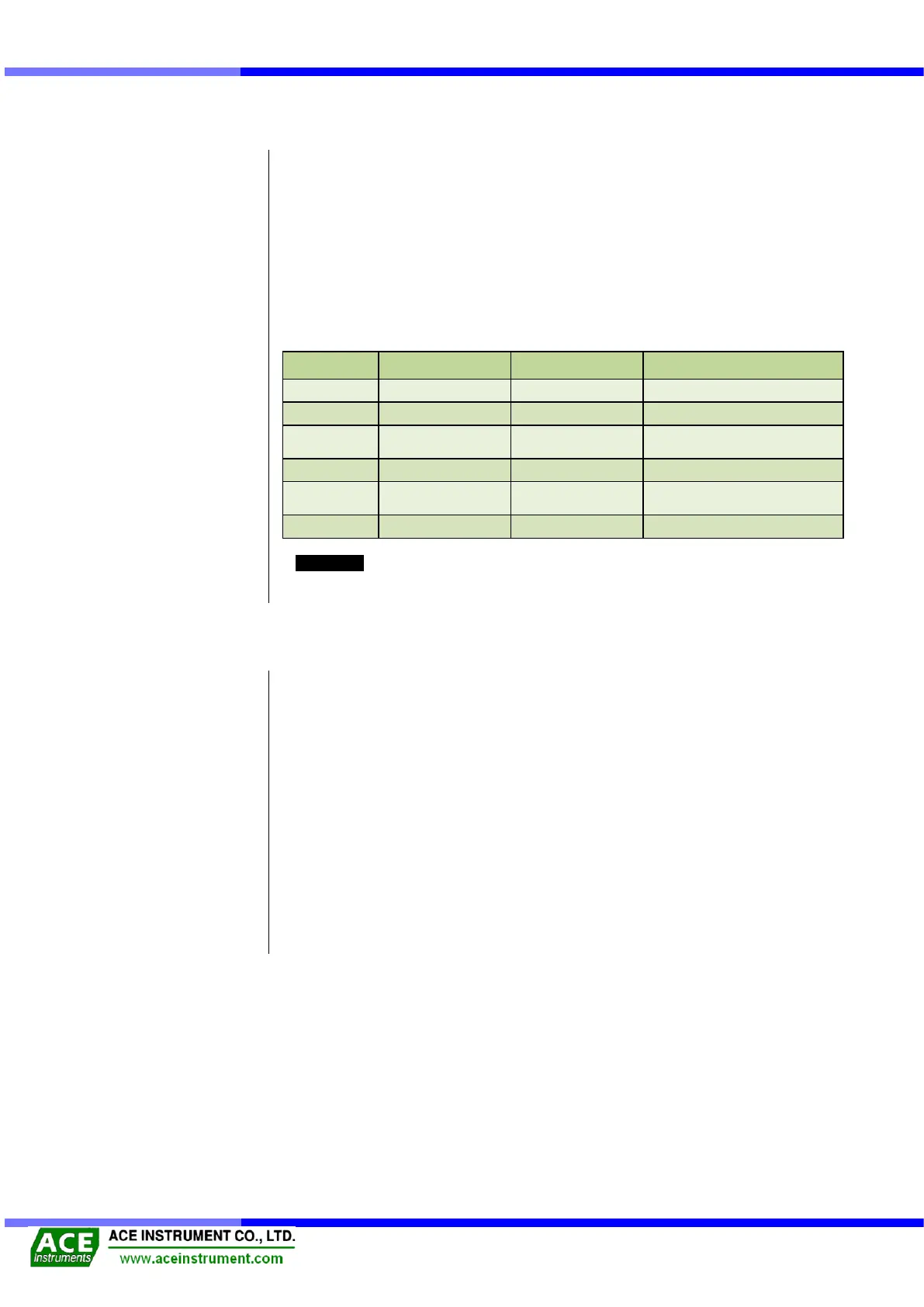
As the below table, apply the measuring unit, depending on the change in the Display
Mode. VW ACE-1000 readout unit shows frequency (Hz) always, and simultaneously the
chosen display unit is shown as below.
VW Spot-weldable Strain
Gage
Reference
As A1000Pro saves only frequency (Hz), the saved data should be converted by it if you
use other units.
Model ACE-1000 is effectively used as following.
Connect a jumper cable to the connector.
Press [ON] button.
(After popping up ACE's logo, it converts into the Main screen.)
Check out the sweep and unit, and press [MENU], [ENTER],
[▲/LIGHT], [▼/SAVE] to set the basic menu.
(See [3-1] for detailed specifications and [3-2] for MENU)
Connect with a signal cable by the clip of the jumper cable.
(See [3-1] for detailed specifications)
Record or save the output frequency.
Get rid of the clip and turn off power.
Download the data by connecting RS-232 cable to the computer.


 To Next Page