80 Chapter 3
Removing the CPU
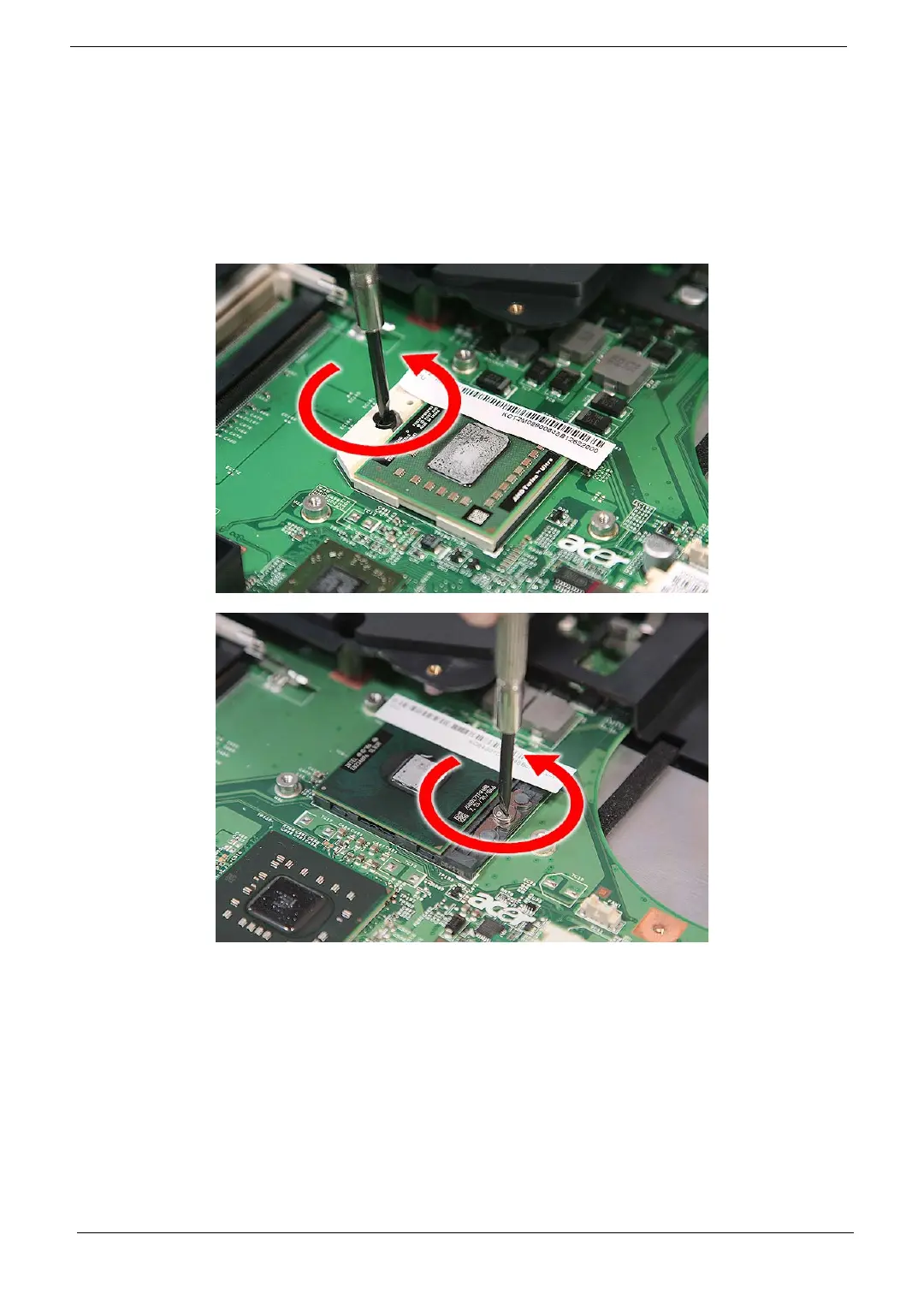
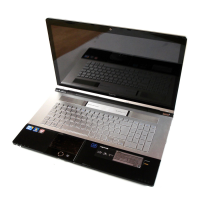
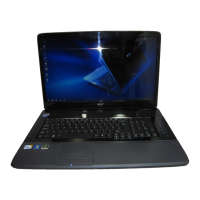
NOTE: Aspire 8730/8730Z Series uses the Intel® processor, while Aspire 8530 Series uses the AMD®
processor. But the process in removing the CPU are the same for all the models.
1. See “Removing the Battery Pack” on page 54.
2. See “Removing the Lower Cover” on page 56.
3. See “Removing the Heatsink Module” on page 78.
4. Using a flat screwdriver, turn the CPU socket latch counter-clockwise to release the CPU.



 To Next Page