4
Your Acer notebook tour
After setting up your computer as illustrated in the setup poster, let us show
you around your new Acer notebook.
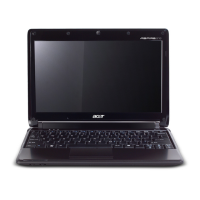
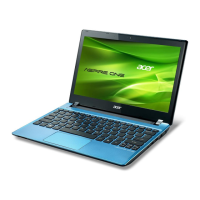
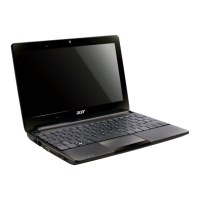
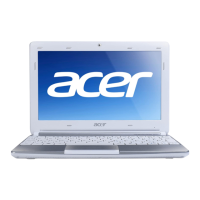
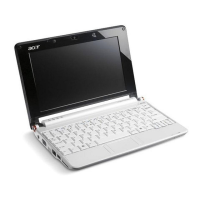
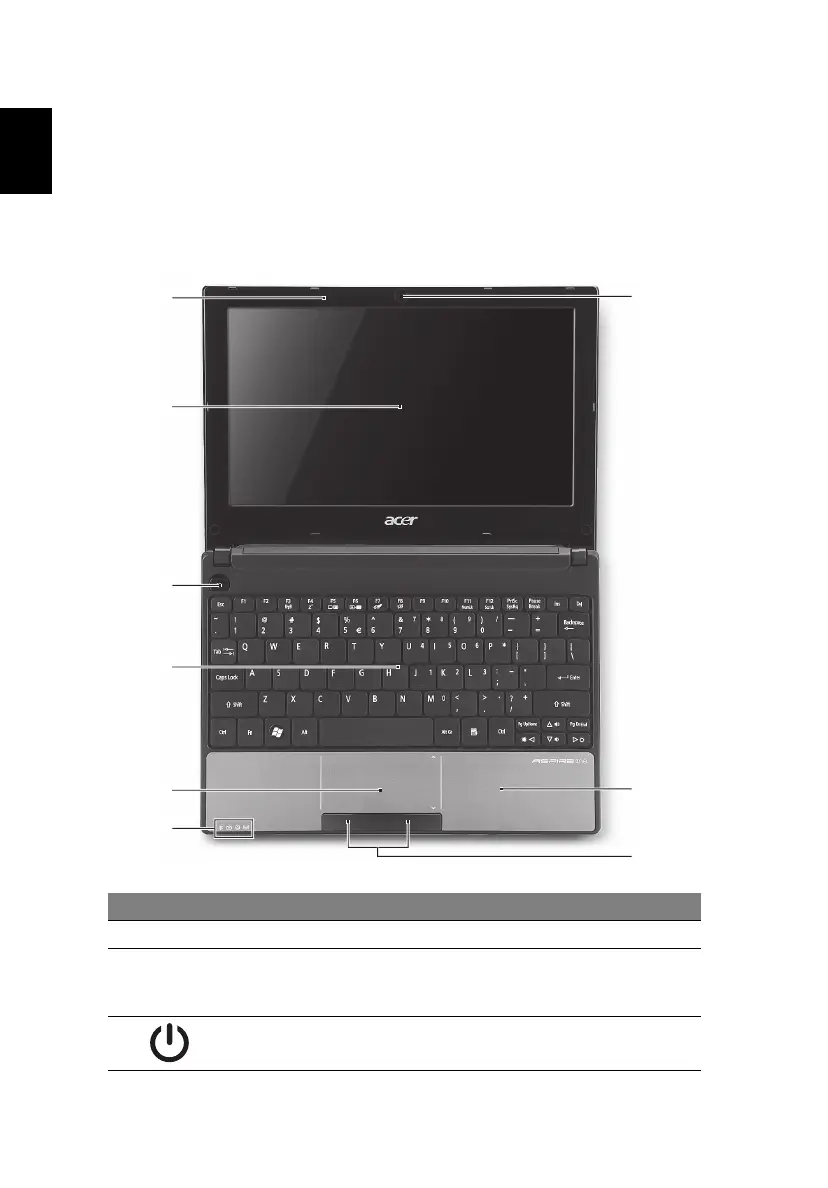
Top view
# Icon Item Description
1 Microphone Internal microphone for sound recording.
2 Display screen Also called Liquid-Crystal Display (LCD),
displays computer output (configuration
may vary by model).
3 Power button Turns the computer on and off.


 To Next Page
 Loading...