18
Chapter 3: Managing contacts
Managing your contacts
Your smartphone features an address book that allows you to save contacts to
either the internal memory or onto your SIM card.
Tap Con
tacts from the Home screen or the Contacts tab from the Dialer to view
your contacts.
If you don’t have any contacts stored on your phone, you can import your
Google ac
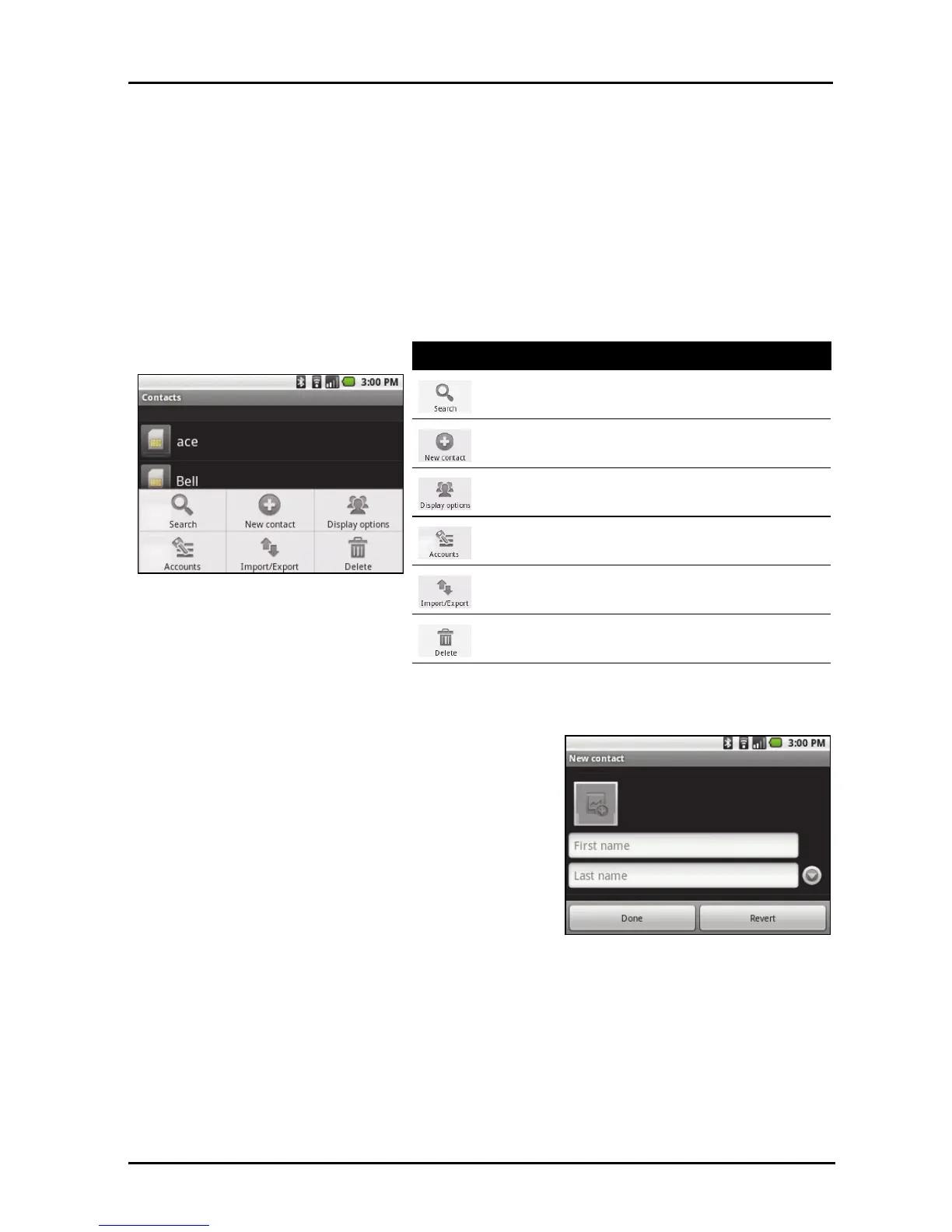
count contacts, add a new contact or import any SIM contacts. Press
the Menu button to open the menu.
Adding a contact
Tap New contact to add a new contact. You
will be asked if you want to create a SIM
contact or a Phone contact.
To create a contact, you will be asked to enter
the
contact’s:
• Given and Family name.
• Phone numbers.
• Email addresses.
•IM addresses.
• Postal addresses.
You may also:
• Enter information such as organiza
tions the contact belongs to.
• Add any personal notes about the contact.
• Enter a nickname.
• Link a website.
Icon Description
Search for a contact.
Add a new contact.
Display contacts with phone numbers, or sort
contact list.
Open contact lists from different accounts.
Import / Export contacts.
Delete contacts.



 To Next Page