29Camera icons and indicators
Chapter 7: Using the Camera
Your smartphone features a 3-megapixel digital camera mounted on the rear.
This section will take you through all the steps in taking photos and videos with
your smartphone.
Note: You need to have a microSD Card inserted into the microSD Card slot before
using the camera.
To activate the camera, long press the camera button or open the Applications
menu and tap Camera.
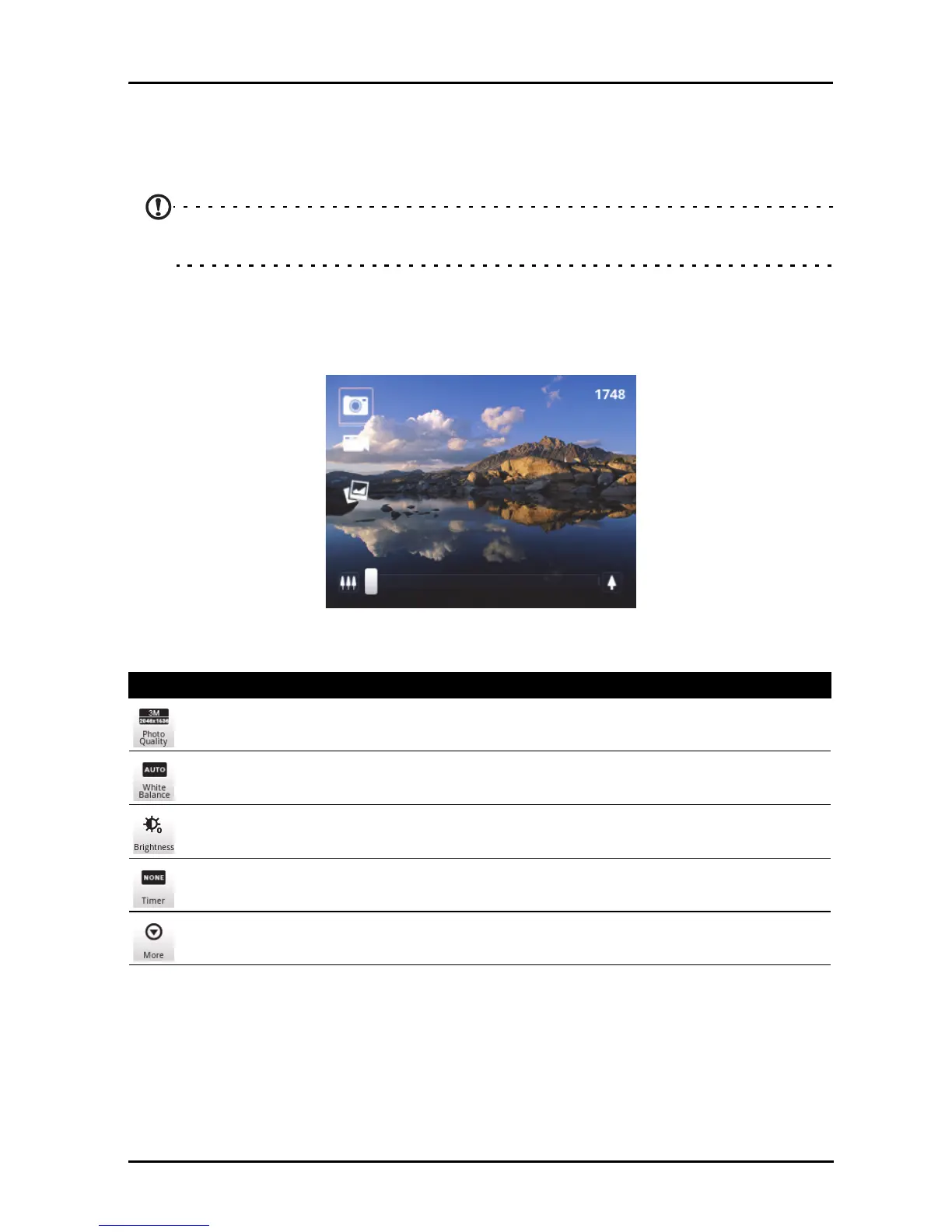
Camera icons and indicators
In the camera window, use the zoom slider at the bottom of the screen to
adjust the zoom. Press the camera button to take a picture.
Icon Description
Set the photo quality.
Set white balance.
Set brightness, contrast, saturation, and sharpness.
Set timer.
Access camera settings menu.



 To Next Page