10 - Your Acer Chromebook tour
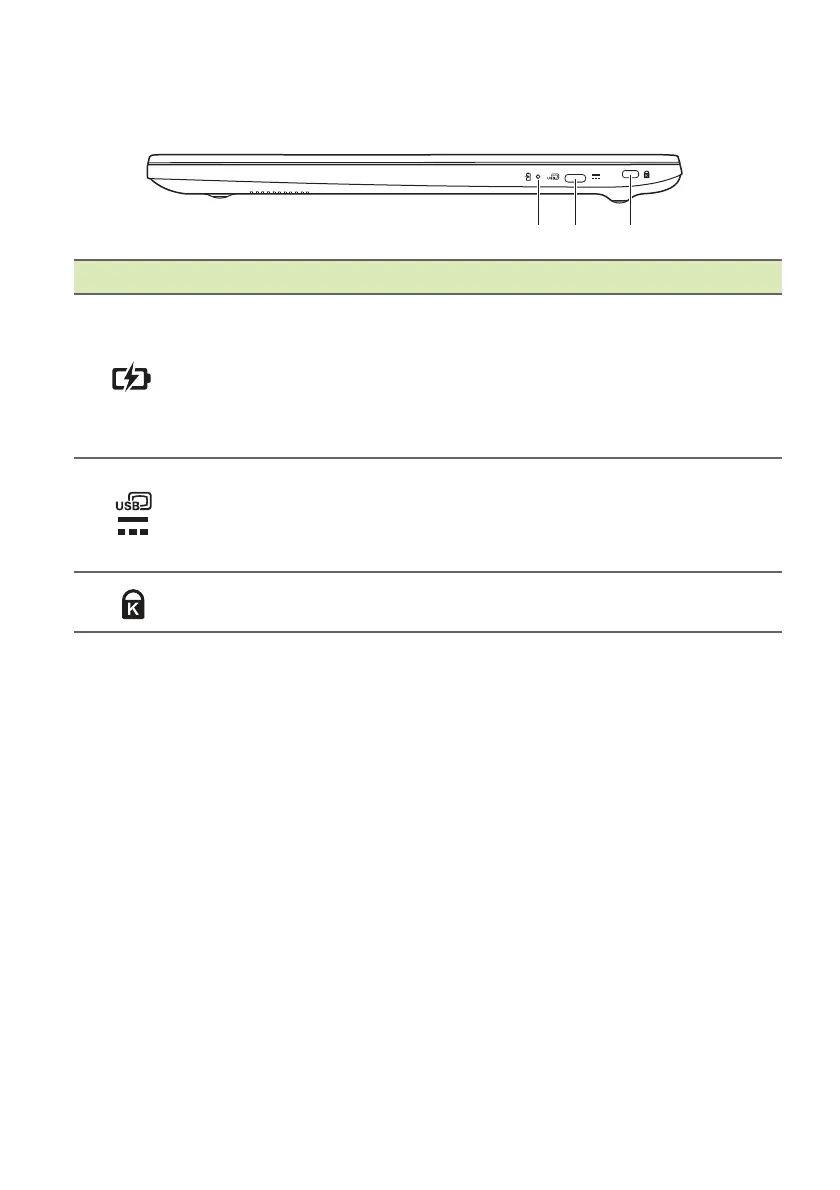
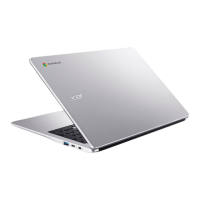
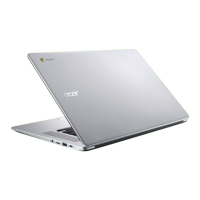
Right view
# Icon Item Description
1
Battery indicator
Indicates the computer’s battery
st
atus.
Charging:
The light shows amber
when the battery is charging.
Fully charged: The light
shows blue
when in AC mode.
2
USB Type-C port with
DC-in
Connects to the provided USB Type-C
po
wer adapter and to USB devices
with a USB Type-C connector.
Supports DisplayPort
™
over USB-C
™
.
3
Kensington lock slot
Connects to a Kensington-compatible
security lock.
USB 3.2 Gen 1 information
• USB 3.2 Gen 1 compatible ports are blue.
• Compatible with USB 3.2 Gen 1 and earlier devices.
• For optimal performance, use USB 3.2 Gen 1-certified devices.
• Defined by the USB 3.2 Gen 1 specification (SuperSpeed USB).
USB Type-C information
• USB 3.2 Gen 1 with transfer speeds up to 5 Gbps.
• Supports DisplayPort
™
audio/video output.
• Delivers up to 3 A at 5 V DC for USB charging.
• DC-in: requires power adapter or power source providing 45 W at
12/18~20 V.
For optimal performance, please use a certified Acer power adapter
or USB Power Delivery device.


 To Next Page