2 -
© 2019. All Rights Reserved.
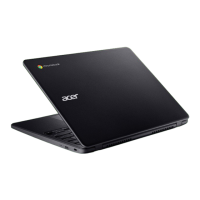
Acer Chromebook 712
Covers: C871
This revision: December 2019
Register your Acer product
Go to www.acer.com/register-product, and sign in or sign up your Acer ID
to register your product.
Once it is done, you can review it under “My Products” page.
Model number: _________________________________
Serial number: _________________________________
Date of purchase: _______________________________
Place of purchase: ______________________________
Google, Android, Google Play, YouTube and other marks are trademarks of Google LLC.
This manual contains proprietary information that is protected by
copyright laws. The information contained in this manual is subject to
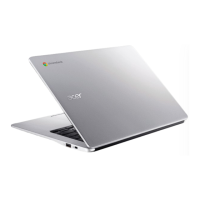
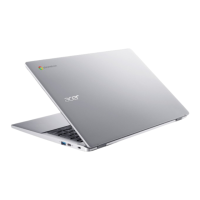
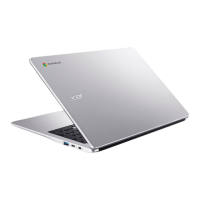
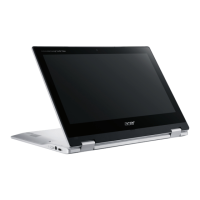
change without notice. Images provided herein are for reference only
and may contain information or features that do not apply to your
computer. Acer Group shall not be liable for technical or editorial errors
or omissions contained in this manual.


 To Next Page