English
14
Unpacking
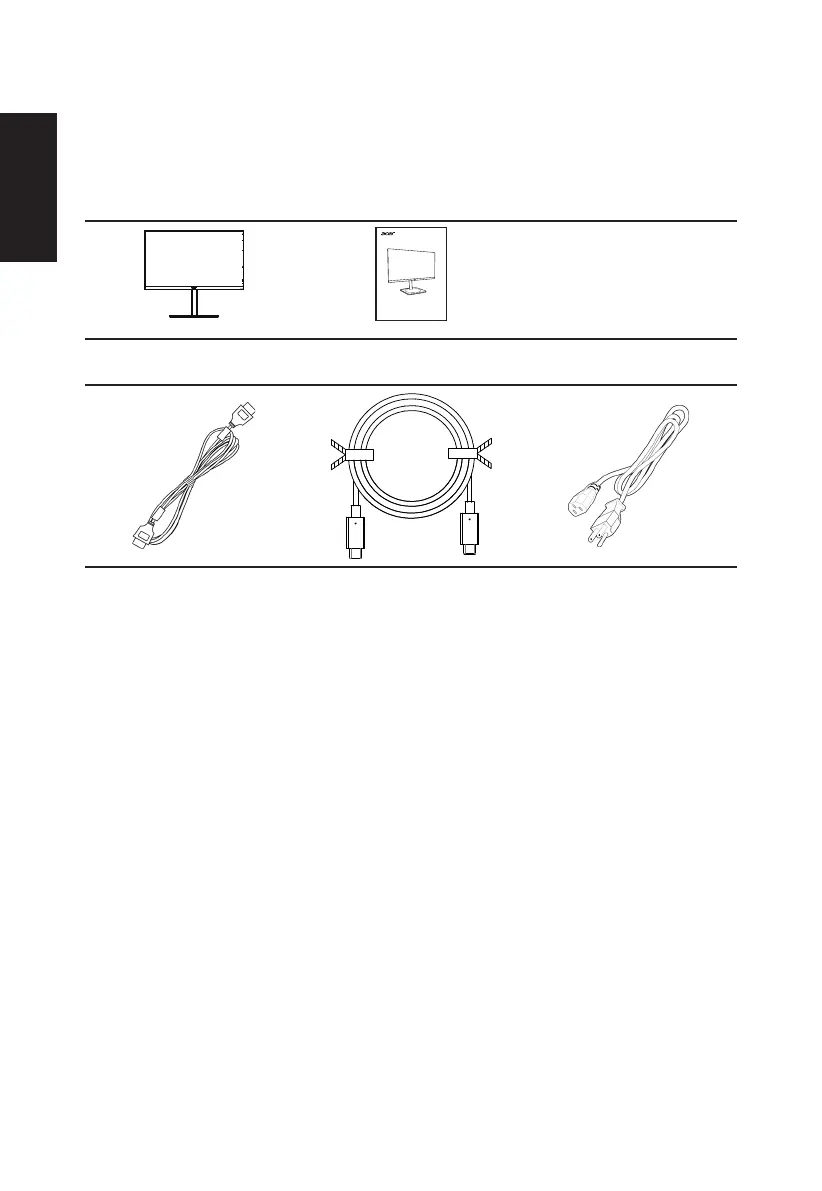
Please check that the following items are present when you unpack the box, and save the
packing materials in case you need to ship or transport the monitor in the future.
LCD monitor Quick start guide
USER GUIDE
LCD Monitor CB1 series/CB271
*HDMI Cable
(Optional)
*USB Type C
cable
(Optional)
*AC Power cord
*Also the Replaceable parts required by the TCO Certied.
*Type-c power support prole 3A at 5V,9V,15V; 3.25A at 20V



 To Next Page