Connecting to the Internet - 17
2. Click Network icon in the notification area.
3. Select Manage WiFi connections.
4. You will see a list of available wireless networks. Select the one you
wish to use.
5. Once you select a wireless network, select Connect.
6. If required, enter the network’s password.
Connecting with a cable
Built-in network feature
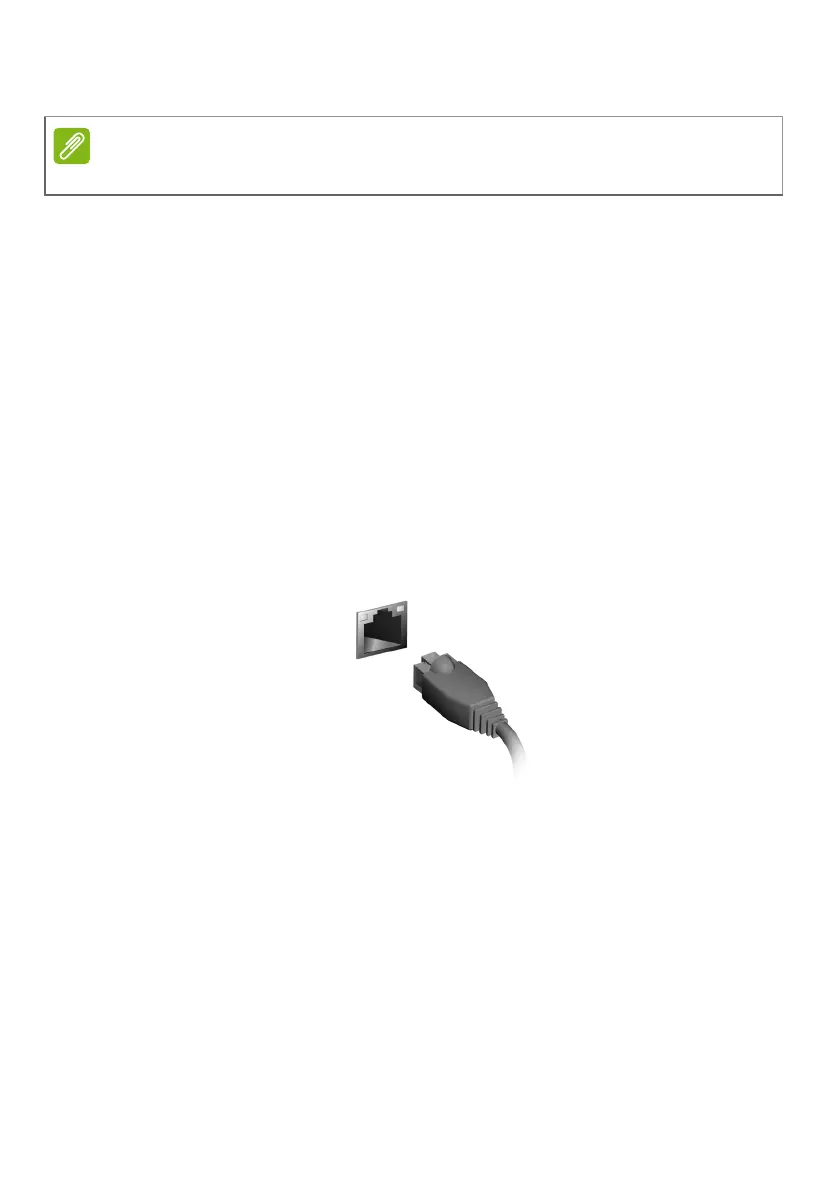
If your computer has a network port, plug one end of a network cable
into the network port on your computer, and the other end into a port
on your router (refer to the image below.) Then, you'll be ready to get
online.
If Wi-Fi is turned off, please click Wi-Fi tile to turn it on.



 To Next Page