Ports and connectors - 25
USB 3.2 Gen 1 information
• USB 3.2 Gen 1 compatible ports are blue.
• Compatible with 3.2 Gen 1 and earlier devices.
• For optimal performance, use 3.2 Gen 1-certified devices.
• Defined by the 3.2 Gen 1 specification (SuperSpeed USB).
USB 3.2 Gen 2 information
• USB 3.2 Gen 2 compatible ports are red.
• Compatible with 3.2 Gen 2 and earlier devices.
• For optimal performance, use 3.2 Gen 2-certified devices.
• Defined by the 3.2 Gen 2 specification (SuperSpeed USB).
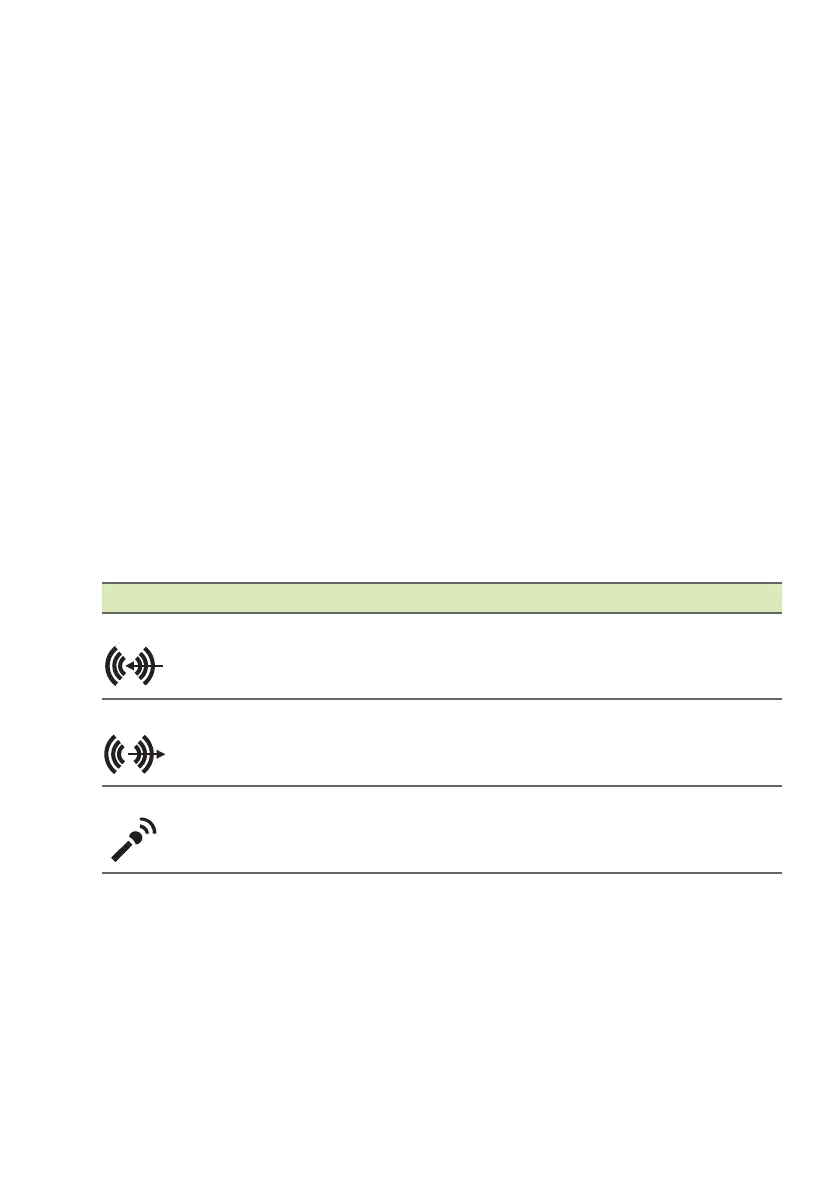
Rear panel audio ports
The table below indicates the functions of the audio jacks on the rear
panel (if available).
Icon color Headset Stereo Quadrophonic 5.1-channel
Blue
Rear Rear
Green
Headset Front Front Front
Blue
Mic-in Mic-in Mic-in
Center/
woofer



 To Next Page