English
6. Contrast: Adjust the contrast from 0 to 100.
-----------------------------------------------------------------------------------------------------------
Note: Sets the degree of difference between light and dark areas.
brightness without changing lighter shades.
8. Blue Light: Filters out blue light to protect your eyes by adjusting how much blue light is
-----------------------------------------------------------------------------------------------------------
Note: A higher value allows more blue light to pass through, so in order to
Rheinland's “Low Blue Light Content” standard.
9. ACM: Turn ACM on or off.
Note: Set to "On", will be based on the current screen to dynamic contrast adjustment.
10. Super Sharpness: Turn the Super Sharpness On or Off. Super Sharpness technology
can simulate high-resolution images by boosting the pixel density of the original source
to make images sharper and clearer.
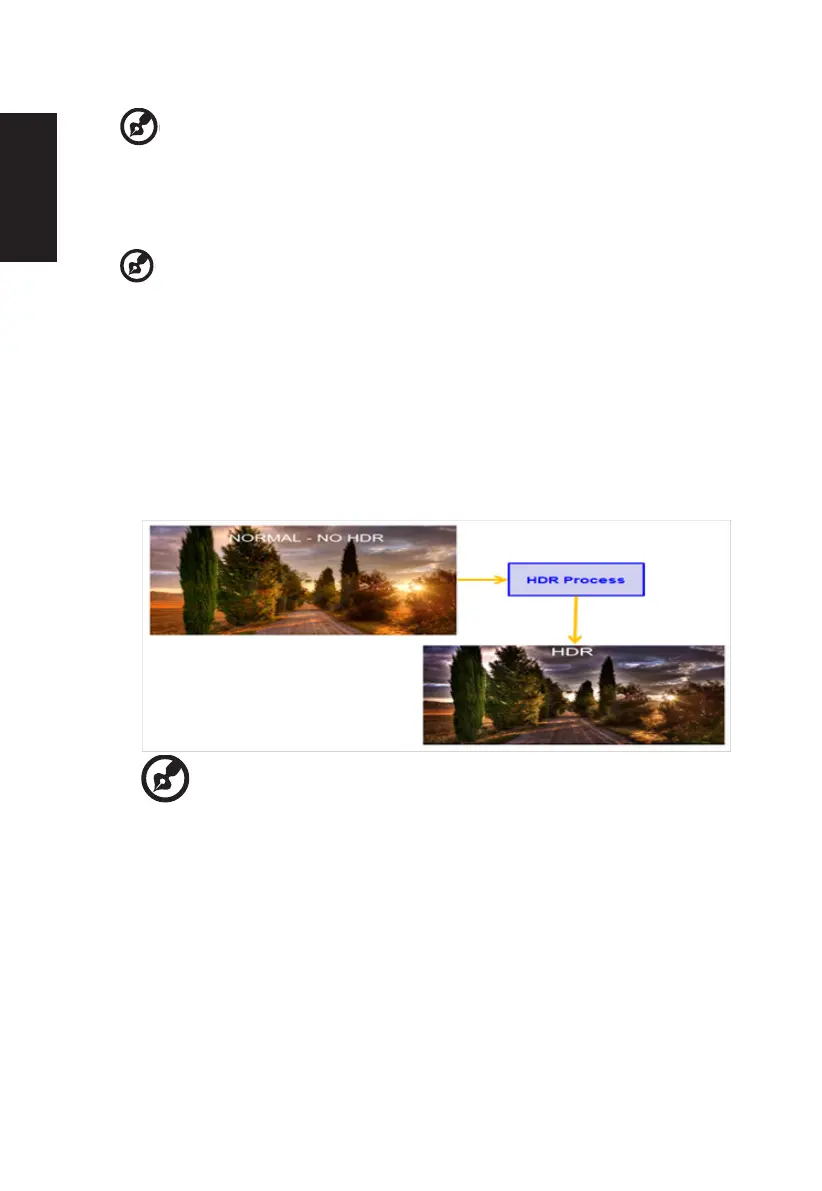
11. HDR:
Can control (off / Auto ) the default is off, set to auto will automatically
detect and deal with HDR signal.
-----------------------------------------------------------------------------------------------------
Note:
When HDR=Auto, the Modes will also be automatically set to “HDR”.
When HDR=Auto, some parameters: (ACM, Gamma, Contrast, Blue
change other adjustable parameters, the “Modes” will not jump to “User”
Mode.



 To Next Page