EN-33
Deleting Images/Movie Clips
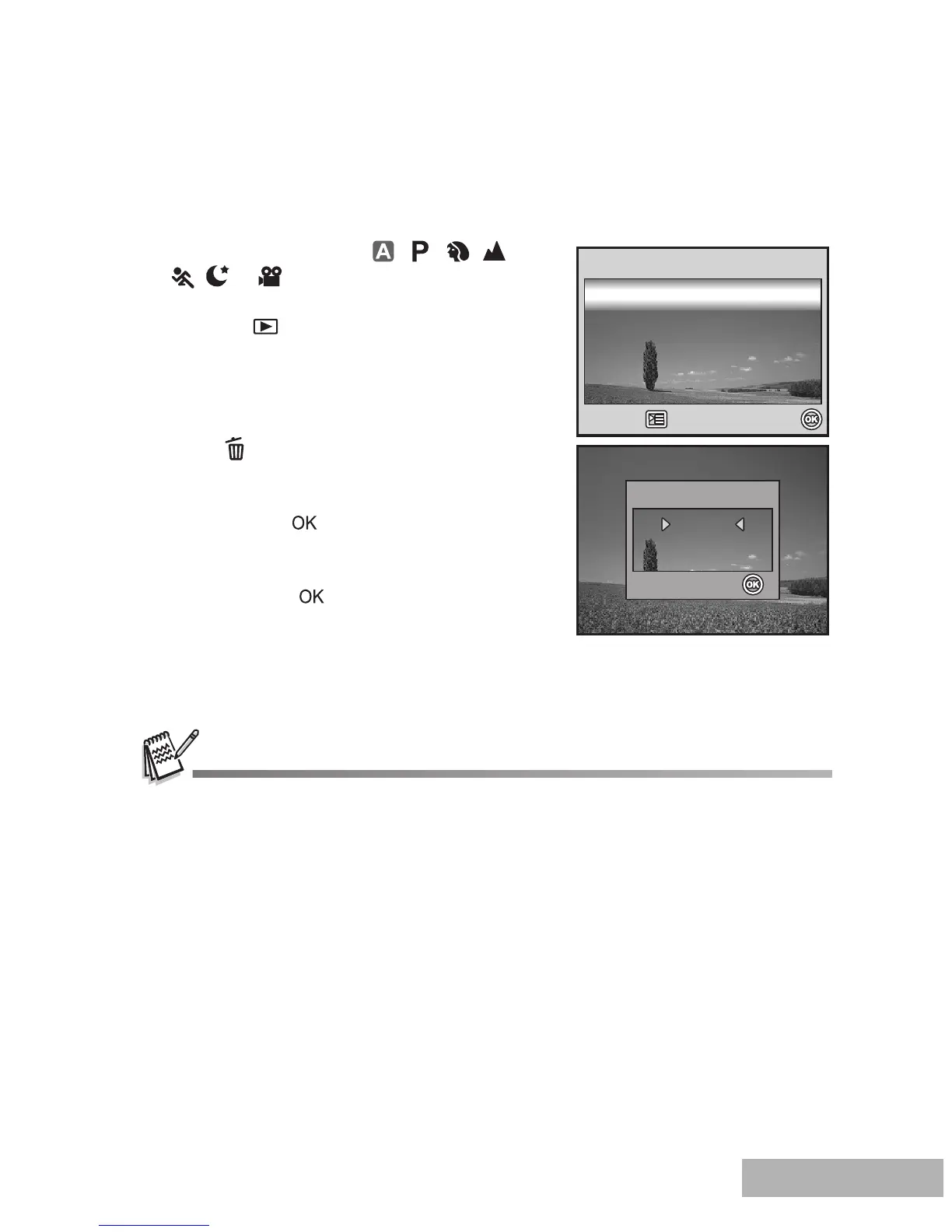
Use this function to delete one or all images/movie clips stored in SD memory card
or the internal memory. Please note that the deleted images or movie clips cannot be
recovered. Exercise caution before deleting a file.
1. Rotate the mode dial to , , , ,
, or and turn your camera on by
pressing the power switch.
2. Press the button.
The last recorded image/movie clip
appears on the LCD monitor screen.
3. Use the four-way controller to select the
image/movie clip you want to delete.
4. Press the button to delete.
5. Use the four-way controller to select [This
Image] or [All Images] by your preference,
then press the button.
6. When the delete message appears, use
the four-way controller to select [Yes],
then press the button to confirm the
deletion.
If you wish to cancel the deletion,
select [No].
Protected images cannot be deleted with the delete function.
Delete



 To Next Page