EN-35
Printing images
When the camera is properly connected to a PictBridge-compatible printer, the
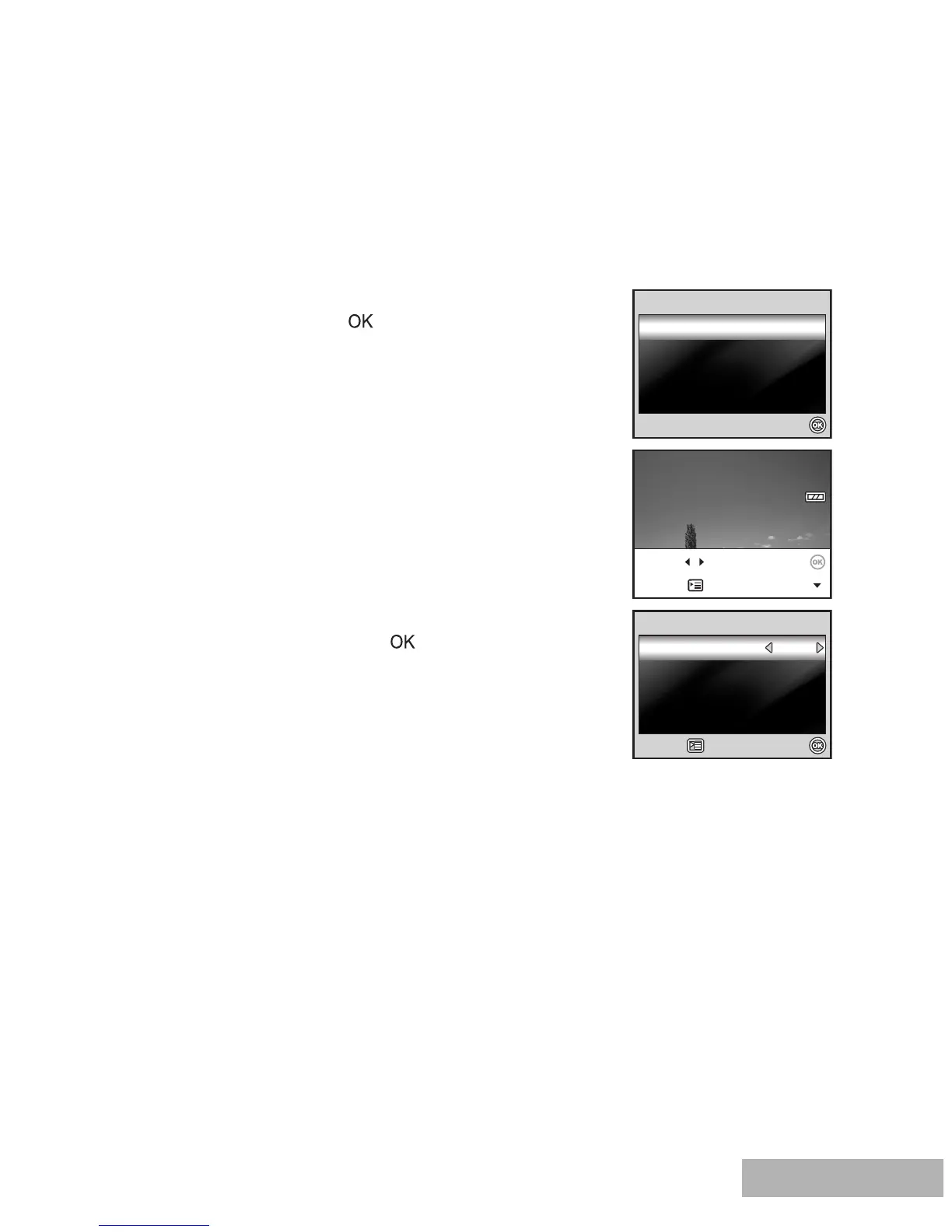
[Printing Mode Select] screen is displayed on the LCD monitor screen. Use the
four-way controller to select the print mode.
In [Print] Mode:
Lets you print the specified image with PictBridge.
1. Use the four-way controller to select the [Print]
mode, then press the button.
2. Use the four-way controller to select the image
you want to print, then press the four-way
controller to set more detailed settings.
3. Use the four-way controller to select by your
preference, then press the button.
[Quantity]: Specifies the number of prints. You
can select the number up to 10.
[Date]: If you select [With], images are printed
with the date.
[File Name]: If you select [With], images are
printed with the file name.
Printing Mode Select



 To Next Page