English
Connecting the adapter and AC Power cord
• Check rst to make sure that the power cord you use is the correct type required for
your area.
• The monitor has a universal power supply that allows operation in either 100/120 V AC
or 220/240 V AC voltage area. No user-adjustment is required.
• Plug one end of the AC power cord to the Adapter, and plug the other end into an AC
outlet.
• For units using 120 V AC:
Use a UL-listed cord set, type SVT wire and plug rated 10 A/125 V.
• For units using 220/240 V AC:
Use a cord set consisting of H05VV-F cord and plug rated 10 A/250 V. The cord set
should have the appropriate safety approvals for the country in which the equipment will
be installed.
Power saving
The monitor will be driven into "Power Saving" mode by the control signal from the display
controller, as indicated by the Blinking amber -color power LED
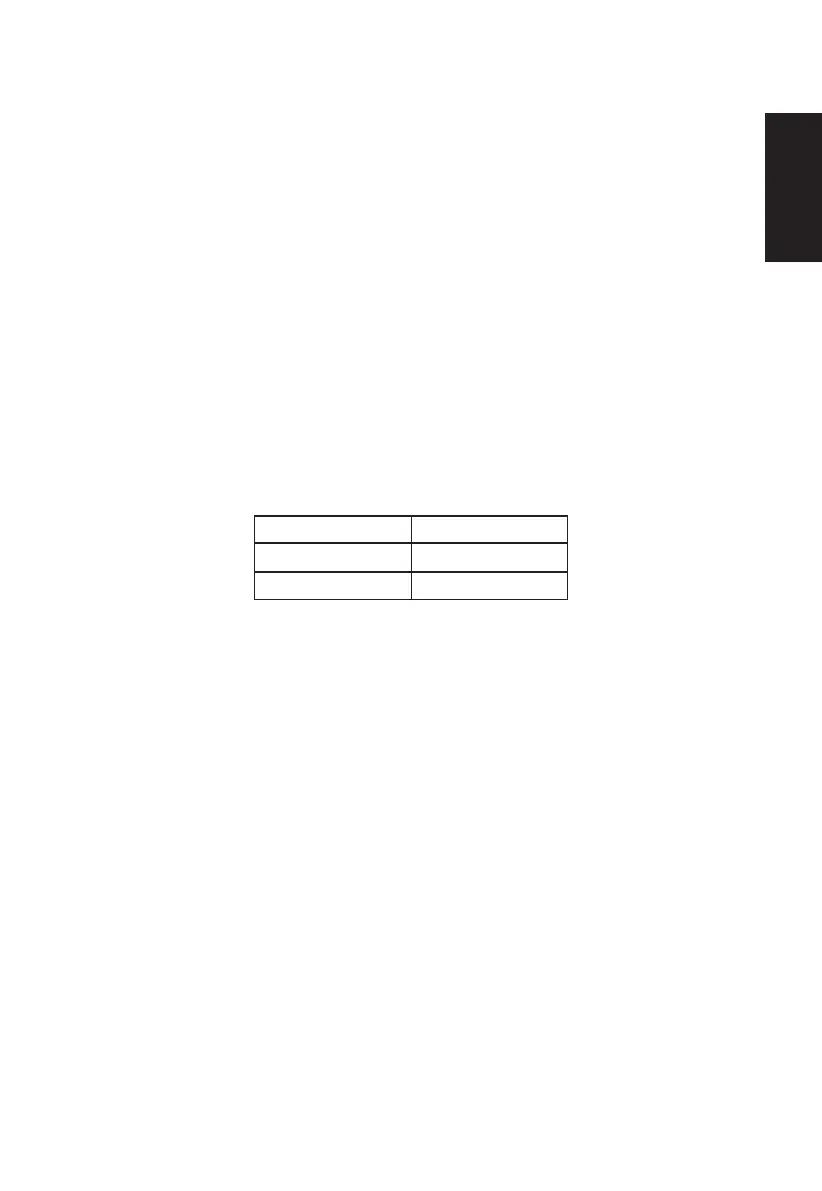
State LED Light
ON Amber
Power Saving Mode Blinking amber
The power saving states will be kept until a control signal has been detected or the keyboard
or mouse is activated. The recovery time from Active OFF state back to ON state is around
3 seconds.



 To Next Page