20
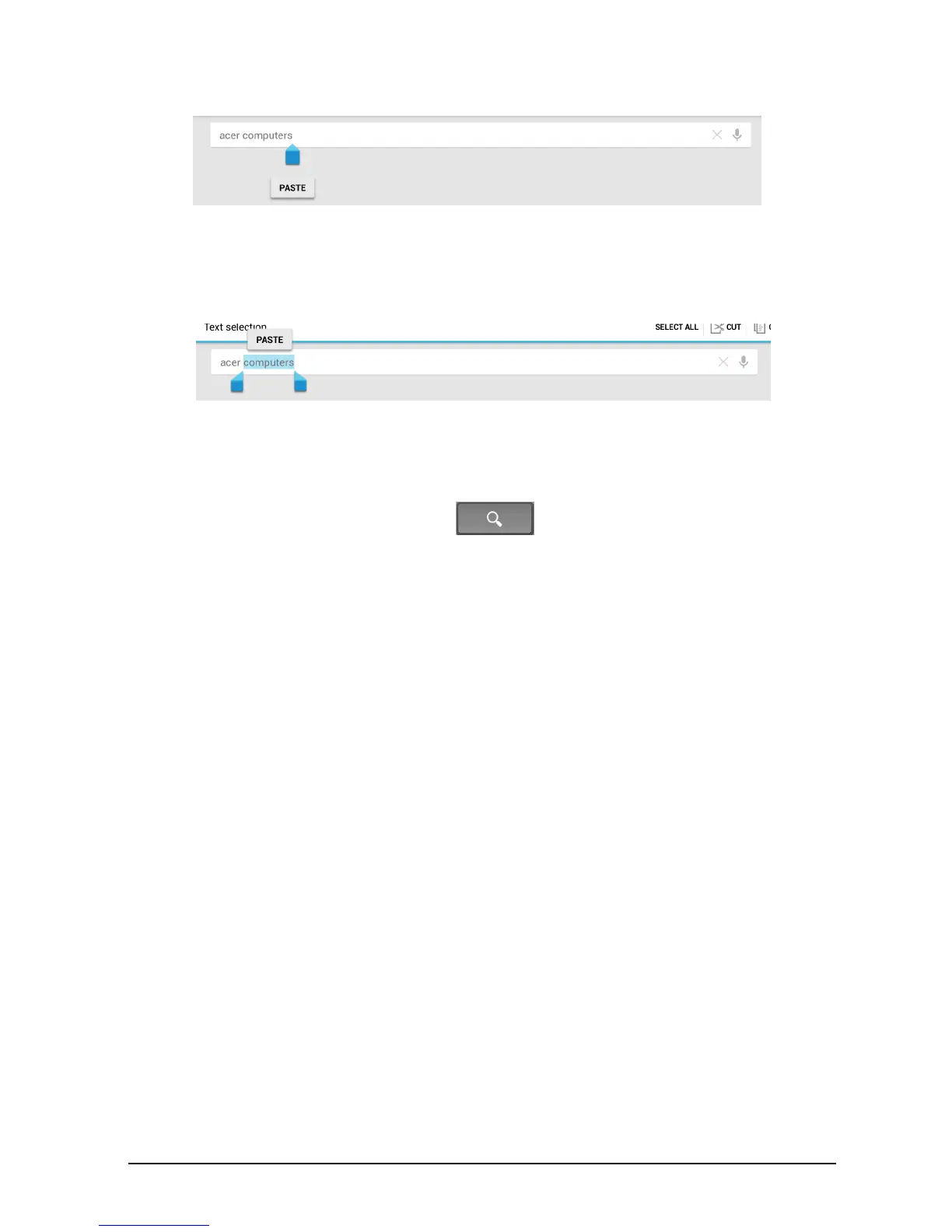
If you previously copied (see below) text, tap where you want to insert the text. A
PASTE button appears briefly below the cursor. Tap the button to paste the text.
To replace a word, double tap the word. A PASTE button appears above the
word. Tap the button to paste to replace the text.
3. Modify the text: Type, paste or delete text.
4. Tap Enter on the keyboard (or tap on the XT9 keyboard).















 To Next Page