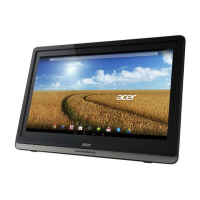
9Getting to know your DA241HL
Back view
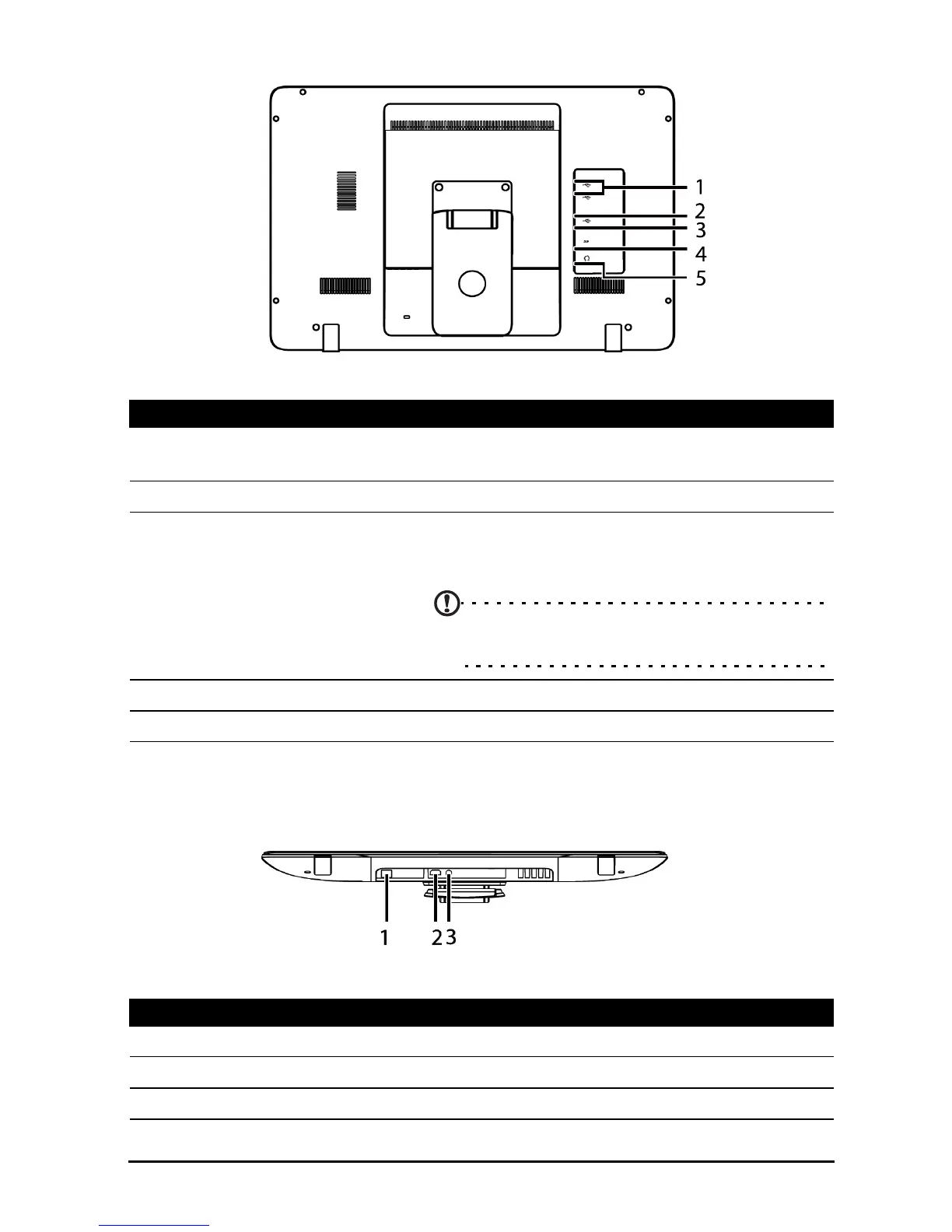
Back panel view
No. Item Description
1 USB ports (Master) Connects with external USB devices, such as a
keyboard, mouse or storage device.
2 Mini USB port Connects to your PC.
3 Micro USB port (Slave) Connects to media devices (such as media
players or smartphones) that support Media
Transfer Protocol.
Note: If your system hangs, please unplug
the device.
4 Card reader slot Insert a memory card.
5 3.5 mm headphone jack Connects to stereo headphones.
No. Item Description
1 Ethernet (RJ-45) port Connects to an Ethernet network.
2 HDMI port (MHL) Supports high-definition digital video connections.
3 DC-in jack Connects to the DC power supply.








 To Next Page