32
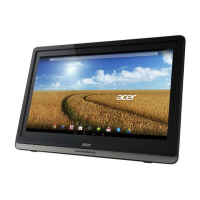
Updating your DA241HL’s operating system
Your DA241HL can download and install system updates, adding support for new
devices or expanding software options.
To check for updates, tap APPS > Settings > About > System updates > Update.
Note: Downloading new firmware can take up to 40 minutes, depending on your
network speed.
Resetting your DA241HL
You may have to perform a reset if your DA241HL fails to respond when buttons are
pressed or the screen is tapped.
To reset your DA241HL disconnect the main power supply for ten seconds, then
reconnect.
Clean boot
A clean boot will restore your DA241HL to the factory settings.
Warning! This will erase all your personal information, any contacts stored
on your DA241HL and any programs you installed.
Open Settings from the application menu, then tap Backup & reset > Factory data
reset; click Reset and then Erase everything to format your DA241HL.
If your DA241HL still does not respond, refer to "FAQ and troubleshooting" on page
33.








 To Next Page