8
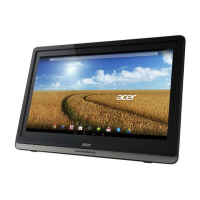
Getting to know your DA241HL
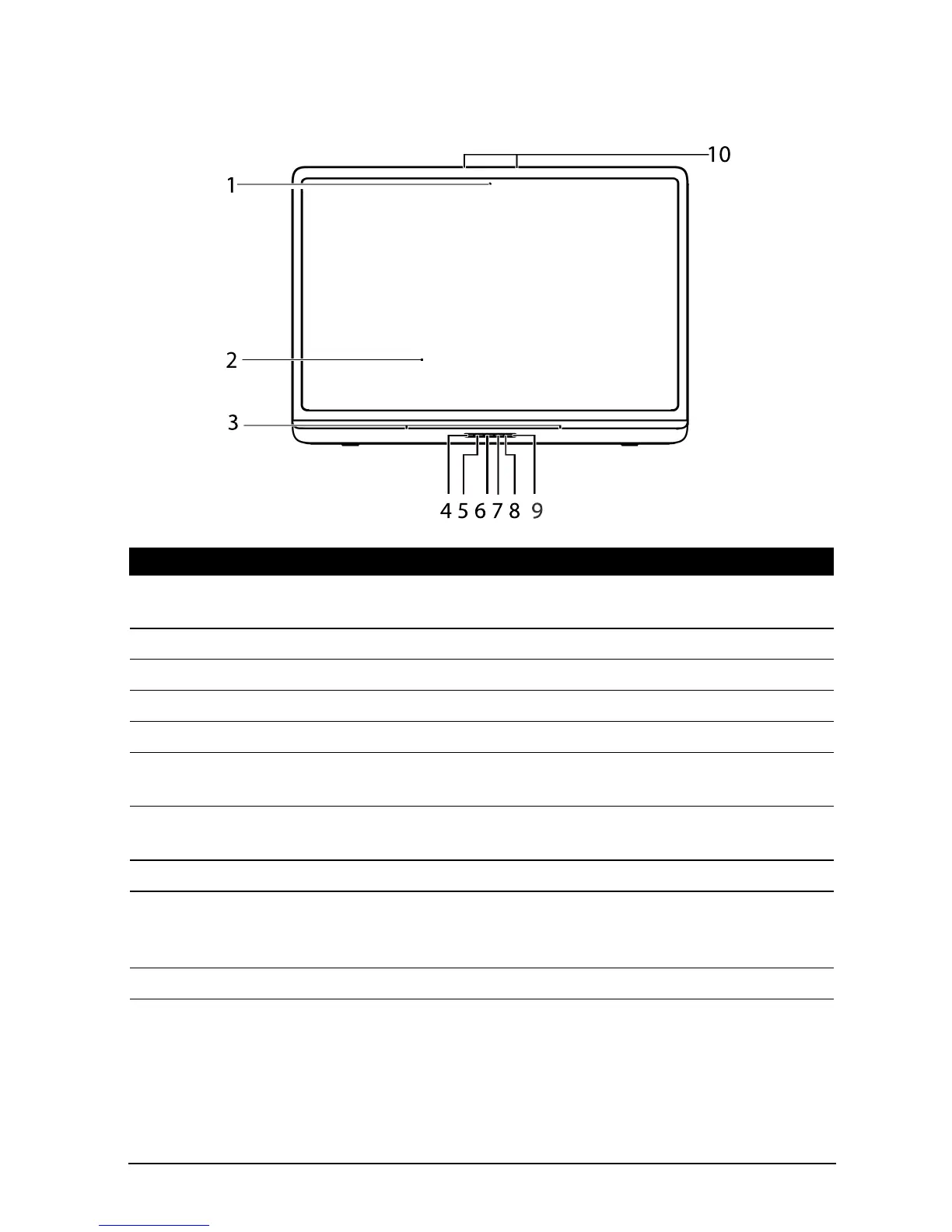
Front view
No. Item Description
1 Front-facing camera A 2-megapixel camera for video chats and self-
portrait images.
2 Touchscreen 24” 1920 x 1080 optical touch screen.
3 Speakers Emit stereo audio.
4 Input switch key Press to switch input source.
5 Function key Press to open the main menu.
6 Volume down key; function
key
Volume down; function key (-)
7 Volume up key; function
key
Volume up; function key (+)
8 Power indicator Indicates power status.
9 Power button Press and hold to turn the DA241HL on, press
briefly to turn the screen on/off or enter sleep
mode; press and hold to turn the DA241HL off.
10 Microphone Receives audio for video chats and Internet calls.








 To Next Page