Digital Camera >>
38-E
5. Select [Execute] with the / buttons, and press the SET button.
To not erase, select [Cancel], and press the SET button.
Even if you take photographs after erasing an image, the file number is
assigned the next number of the very last one before the image was
erased.
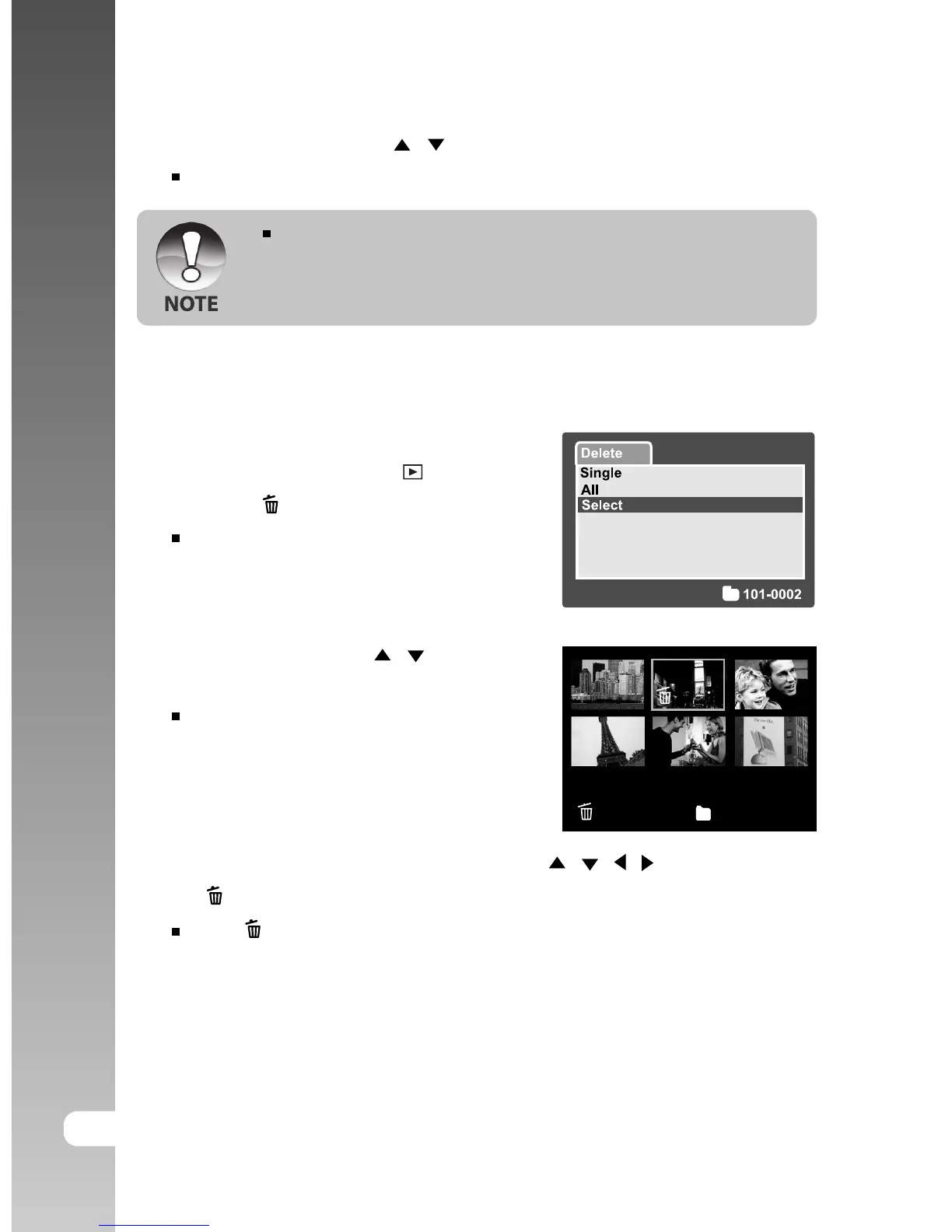
Erasing selected images
This erases a number of selected images.
1. Slide the mode switch to [ ].
2. Press the
button.
The deletion menu will be displayed.
3. Select [Select] with the / buttons, and
press the SET button.
The images are displayed in the
thumbnail display.
4. Select the image you want to erase with the / / / buttons, and press
the
button.
The [ ] icon will be displayed. One more press of the erase button will
cancel the operation. Repeat this procedure and select all the images
that you want to erase.
5. Press the SET button.



 To Next Page