Digital Camera >>
46-E
Movie Menu (Picture)
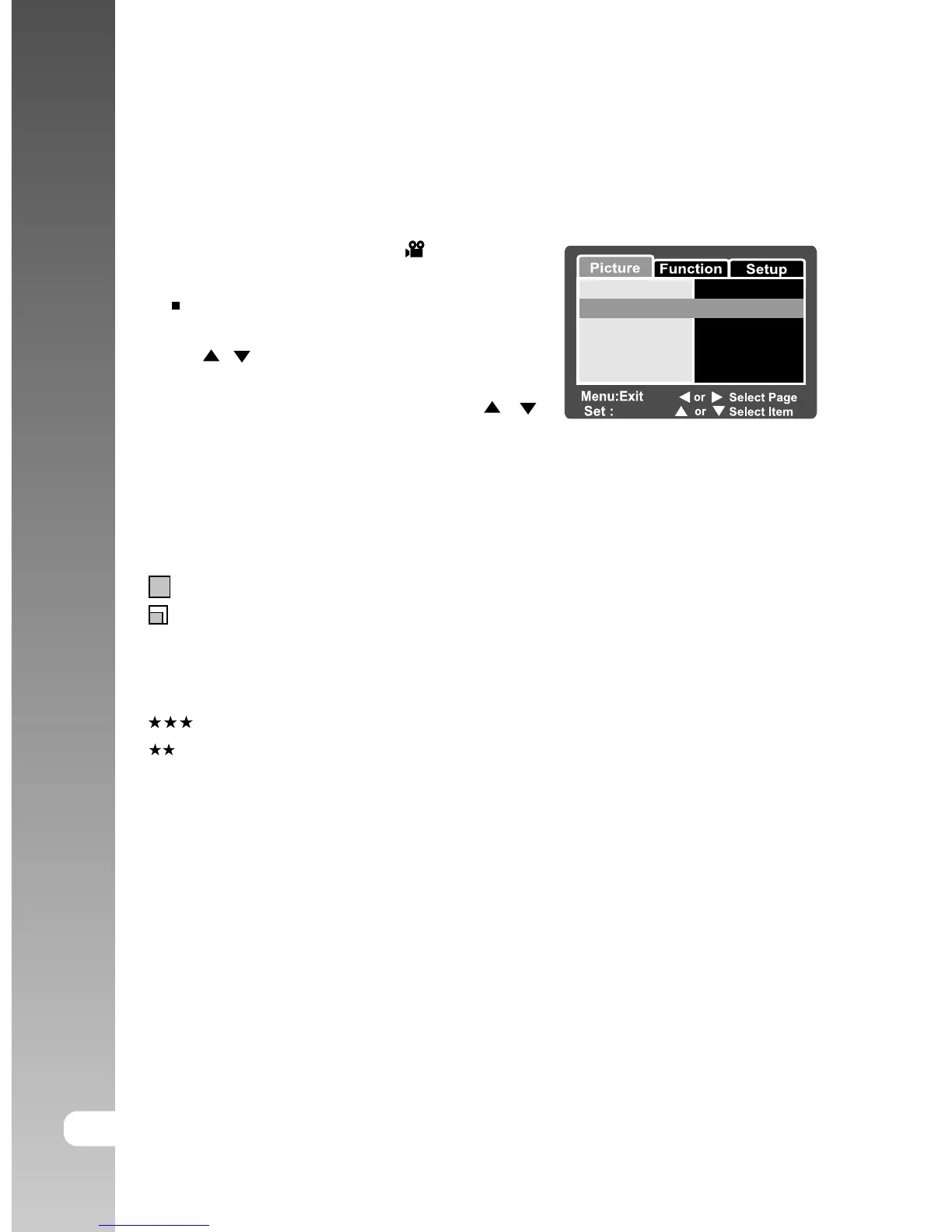
This menu is for the basic settings to be used when recording video clips.
1. Slide the mode switch to [ ].
2. Press the MENU button.
[Picture] of the movie menu is displayed.
3. Select the desired [Picture] option item with
the
/ buttons, and press the SET button
to enter its respective menu.
4. Select the desired setting with the
/
buttons, and press the SET button.
5. To exit from the movie menu, press the
MENU button.
Size
This sets the size of the image that will be photographed.
[
] 640 x 480: 640 x 480 pixels
[
] 320 x 240: 320 x 240 pixels
Quality
This sets the quality (compression rate) at which the image is taken.
[
] Fine: Low compression rate.
[
] Standard: Normal
Contrast
This sets the difference between the bright and dark portions of the image that
will be photographed.
Hard: Increases the contrast.
Normal: Set the contrast automatically.
Soft: Decreases the contrast.
Color
This sets the color of the image that will be photographed.
Standard: Standard color
Vivid: Bright color
Sepia: Sepia
Monochrome: Black-and-white
Adjust
Size
Quality
Contrast
Color Standard
Normal
Fine
640 x 480



 To Next Page