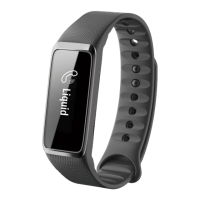
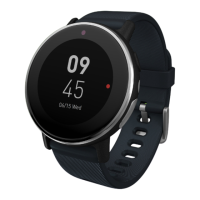
Need help?
Do you have a question about the Acer Liquid Leap and is the answer not in the manual?
Steps to charge the device fully before first use and subsequent charging.
Steps to install the Acer Leap Manager application on an Android device.
Instructions for downloading the Acer Leap Manager app from Google Play.
Guide to creating an account or logging in to set up the Acer Leap Manager app.
Steps to resolve issues preventing the Leap from connecting to a smartphone.
Solutions for when the Liquid Leap loses its connection to the paired phone.
Steps to take if the pairing code does not appear on the Leap screen.
Troubleshooting steps for when the Liquid Leap display remains blank.
Solutions for when the Liquid Leap fails to pair with a smartphone.
 General
| Display | OLED |
|---|---|
| Battery Life | 5 days |
| Water Resistance | IPX7 |
| Connectivity | Bluetooth 4.0 |
| Compatibility | Android, iOS |
| Sensors | Accelerometer |
| Weight | 20 grams |

 To Next Page