12 - Use with an iPhone
USE WITH AN IPHONE
Install Acer Leap Manager
Download the app
Open App Store and search for Acer Leap Manager. Download and
install the app.
Set up the app
Once you have installed the app, you will need to create an account to
complete setup. You can either log in using your Facebook username
and password, or create a new account.
Sign in using Facebook credentials
1. Tap Connect with Facebook.
2. Enter your Facebook login details.
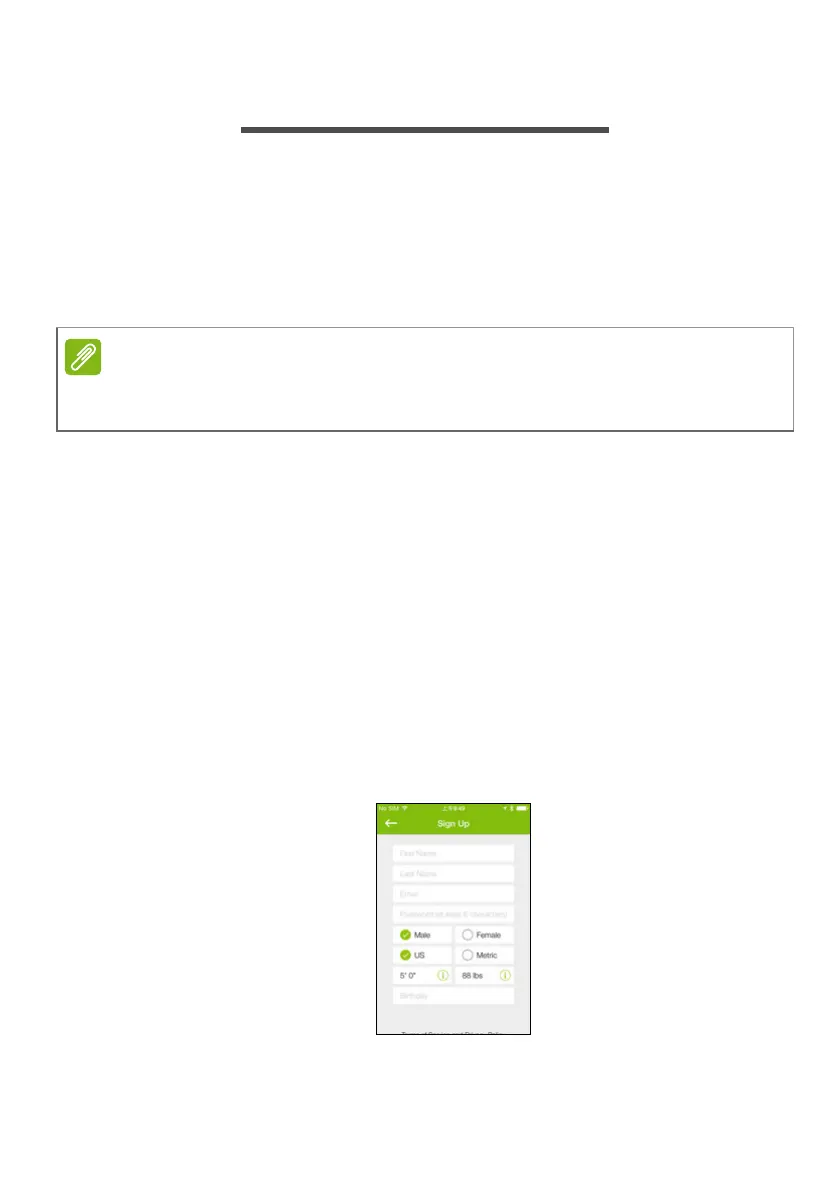
Create a new account
1. Tap Sign Up for New Users.
2. Enter a username and password and the other details requested.
Unlike most Bluetooth accessories, like headsets, your Leap must be paired
directly through the app, not through your device’s Bluetooth Settings.



 To Next Page
 Loading...