Ports
4 Quick Guide
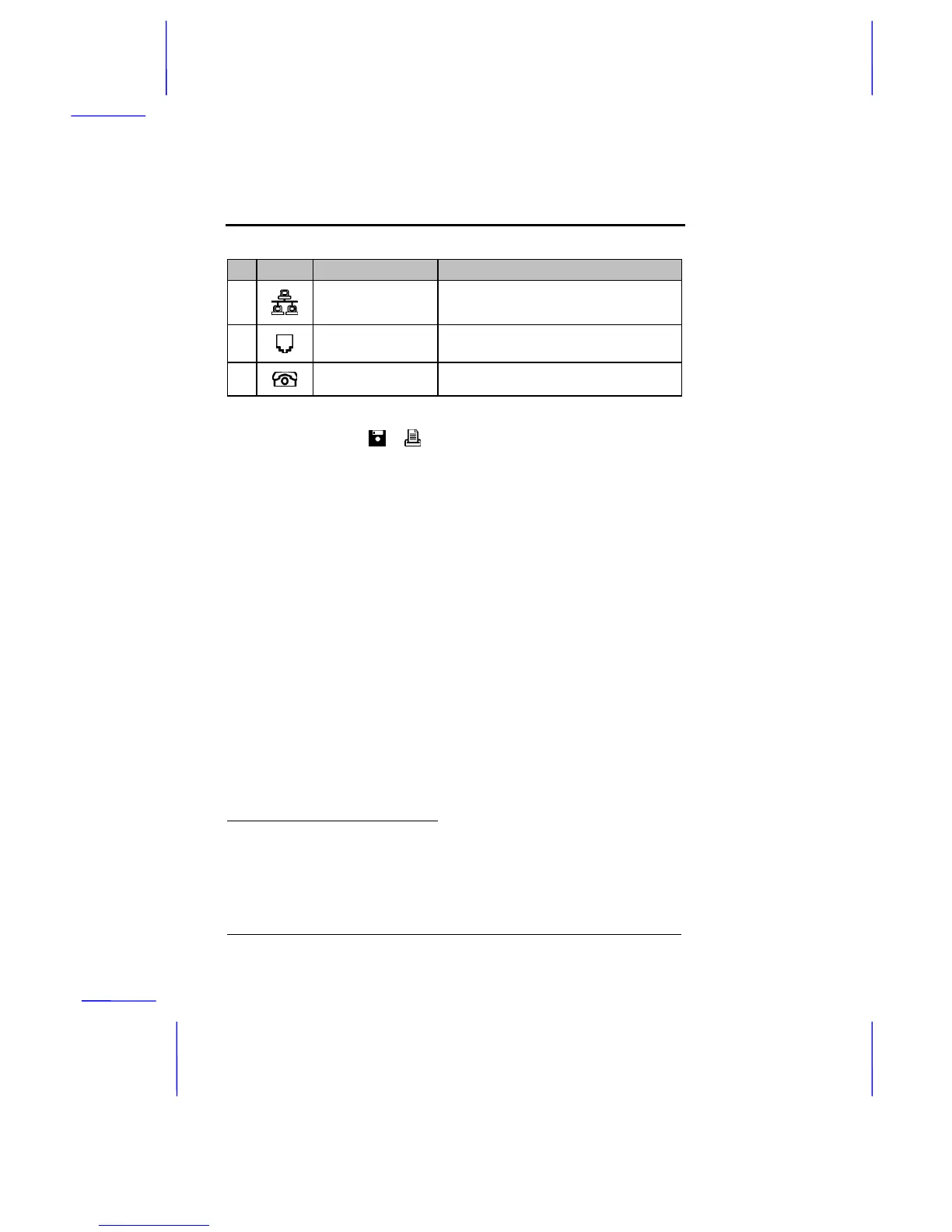
# Icon Port Connects to...
1
RJ-45 jack
(10Base-T Ethernet)
Network via a twisted-pair Ethernet cable
2
RJ-11 jack (modem) Phone line
*
3
RJ-11 jack (phone)
Telephone device via a phone line cable
*
To the left of these ports is the FDD/printer switch. Set this switch to the
appropriate peripheral ( or ) when being used.
*
The RJ-11 jacks are optional and function only if the notebook supports the
feature.



 To Next Page