Ports
Mini Dock 3
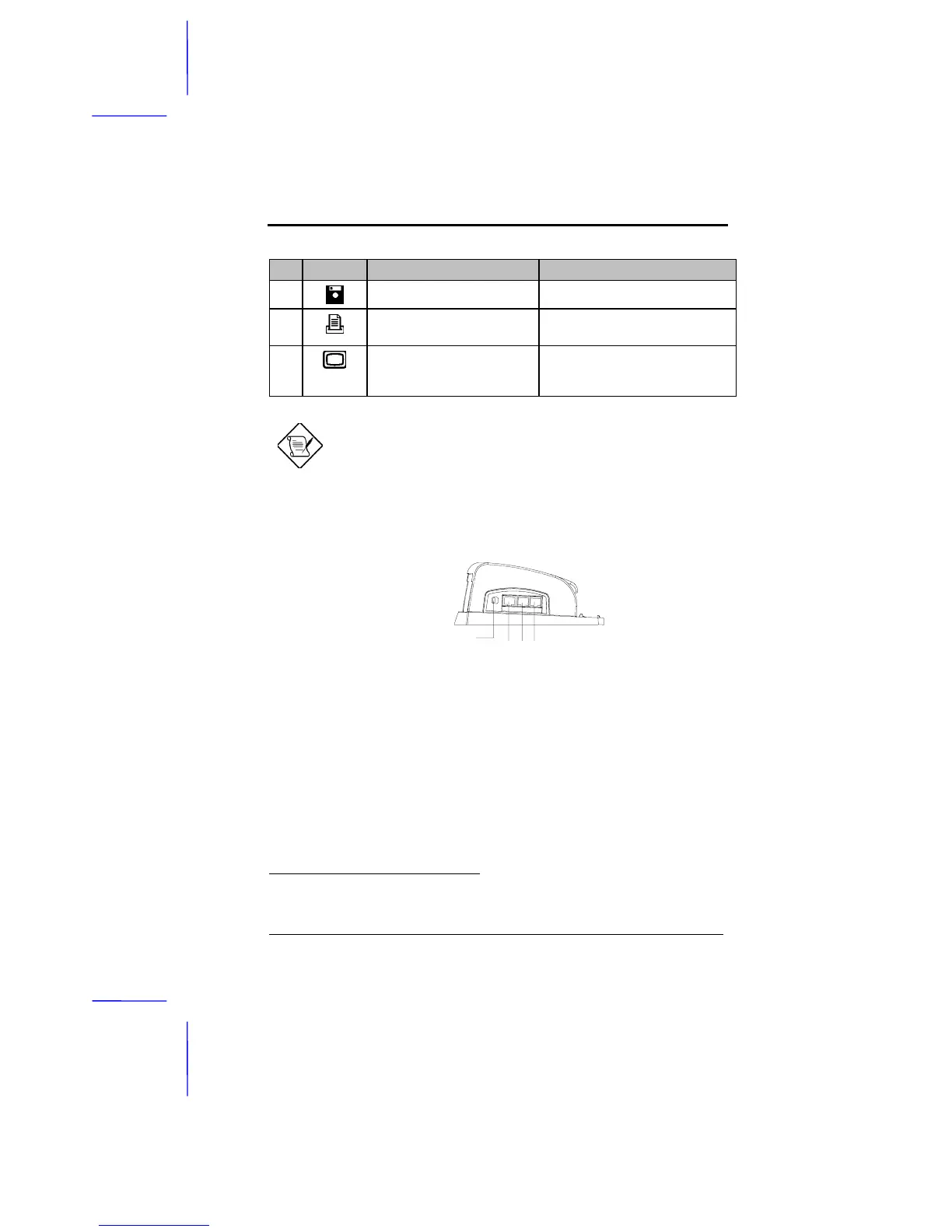
# Icon Port Connects to...
14
25-pin floppy drive port
*
External floppy drive
15
25-pin parallel port
*
Parallel device
(e.g., parallel printer)
16
15-pin external CRT port External display device
(e.g., monitor up to 1024x768, 256
colors)
The video jacks are optional and function only if the notebook
supports the feature.
Side Ports
The side ports are found on the left side of the mini dock. These ports and
their descriptions are listed in the following table.
*
You can only select either the 25-pin FDD port or the 25-pin parallel port. The two
ports cannot be used simultaneously.
1 2 3
FDD/Printer
Switch



 To Next Page