3
Installation Guide of Acer MP-330
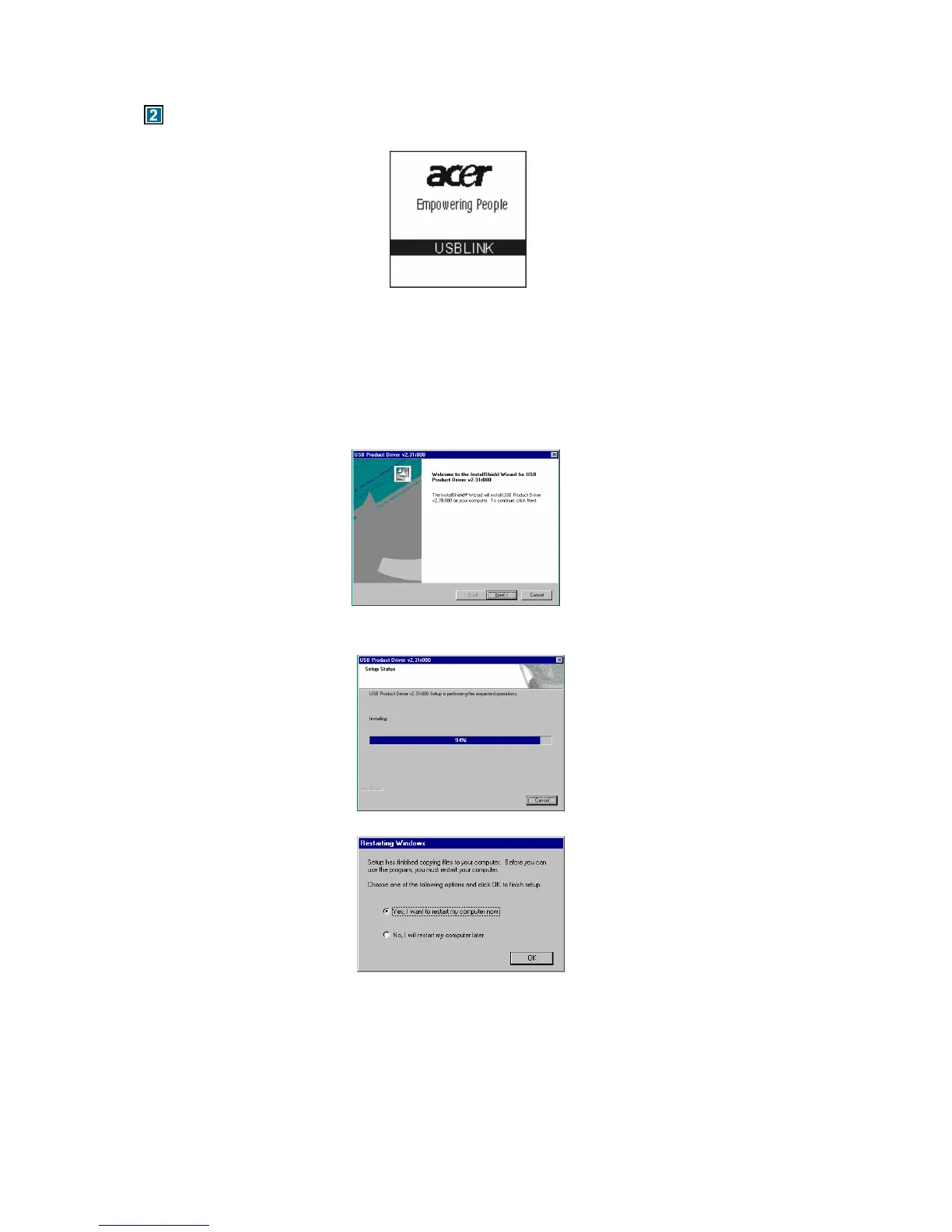
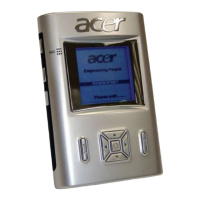
When the MP3 Player is connected to computer, the LCM will show the following picture:
You should not disconnect the MP3 Player from the PC while it is reading or writing, or else it
will cause your data lost. Please safe pop out the device before you unplug it.
2.1 Windows98 Operation System
Under win98, this installation will install the driver & Tools for the player.
1) Put the driver CD into CD-ROM.
2) An Autorun interface will appear, click the Installation ICON and the follow window will appear:
3) Click the Next button and follow the install wizard steps, the following window will appear:
4) Wait for the pop up window as the follow.
5) Click the button OK and the system will restart.
6) After the system is rebooted, insert the player into the USB port and a “Removable disk”
symbol will appear. That means you can use Acer MP-330 as a hard disk.


 To Next Page