7
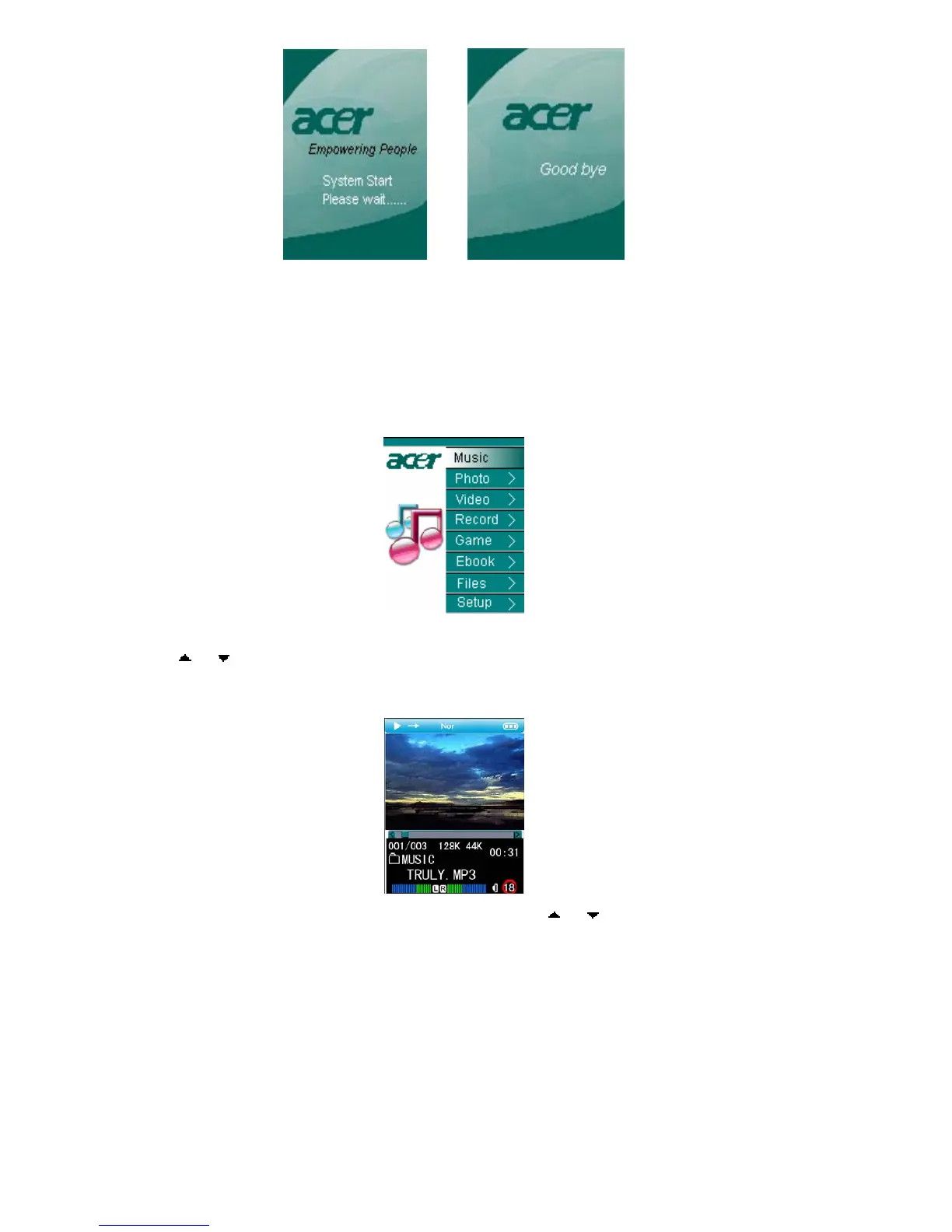
PIC1 PIC2
2) Turn off: Press the same button for 3 seconds and the Logo will show again and
later it will turn off automatically. (Shown in PIC 2)
3) Reset: if any unknown reason causes the player into dead status, the power button
might be invalid. Now the single press of “reset” will help turn on the device and the
system will work normally again.
1.2 Function selection
PIC3
The main menu will show after its turning on as PIC 3. You can select the functions by
press “ ”or“ ”button; and then press “ENTER” for confirmation.
1.3 Adjusting sound volume
PIC4
During the process of playing video or music, press “ ”or“ ”to increase or decrease the
sound volume.(Shown in PIC 4)



 To Next Page