3
English
Ensure that all items are present and in good condition. If any of the
following items are missing or appear damaged, contact your
dealer immediately:
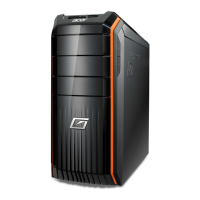
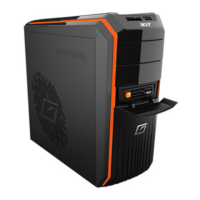
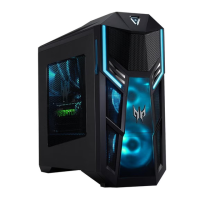
• AcerSystem
• Mouse (PS/2 or USB)
• Keyboard (PS/2 or USB)
• Wireless keyboard with pointing function
• Remote control for Microsoft
®
Windows
®
Vista / Microsoft
®
Windows
®
XP Media Center Edition
Mouse, keyboard, wireless keyboard or remote control
configuration may vary by selected models
• User's Guide and Starter poster
Other user documentation and third-party software.
Connecting peripherals
After everything is connected, plug the power cord into the system and
insert the other end into a power outlet.
Don't connect the system power cord before connecting all
peripherals to the system.
Starting your computer
After connecting all the peripheral equipment, start your computer
according to the steps below:
1 Turn on all peripheral equipment, such as the monitor, printer,
fax, speakers, etc.
2 Turn on the system. Once the start up process is complete, you can
begin to use your computer.
Shutting down your computer
From the "Start" menu, select "Shut Down" and click OK.


 To Next Page
 Loading...