Acer V551 (new) CRT Monitor Service Guide
Chapter 3 Alignment Procedure
4
Confidence and Property
6. Focus Adjustment
a. Input mode 53.6KHz (SVGA5) with characters pattern.
b. Press "SELECT +" and "ADJUST -" keys at a same time.
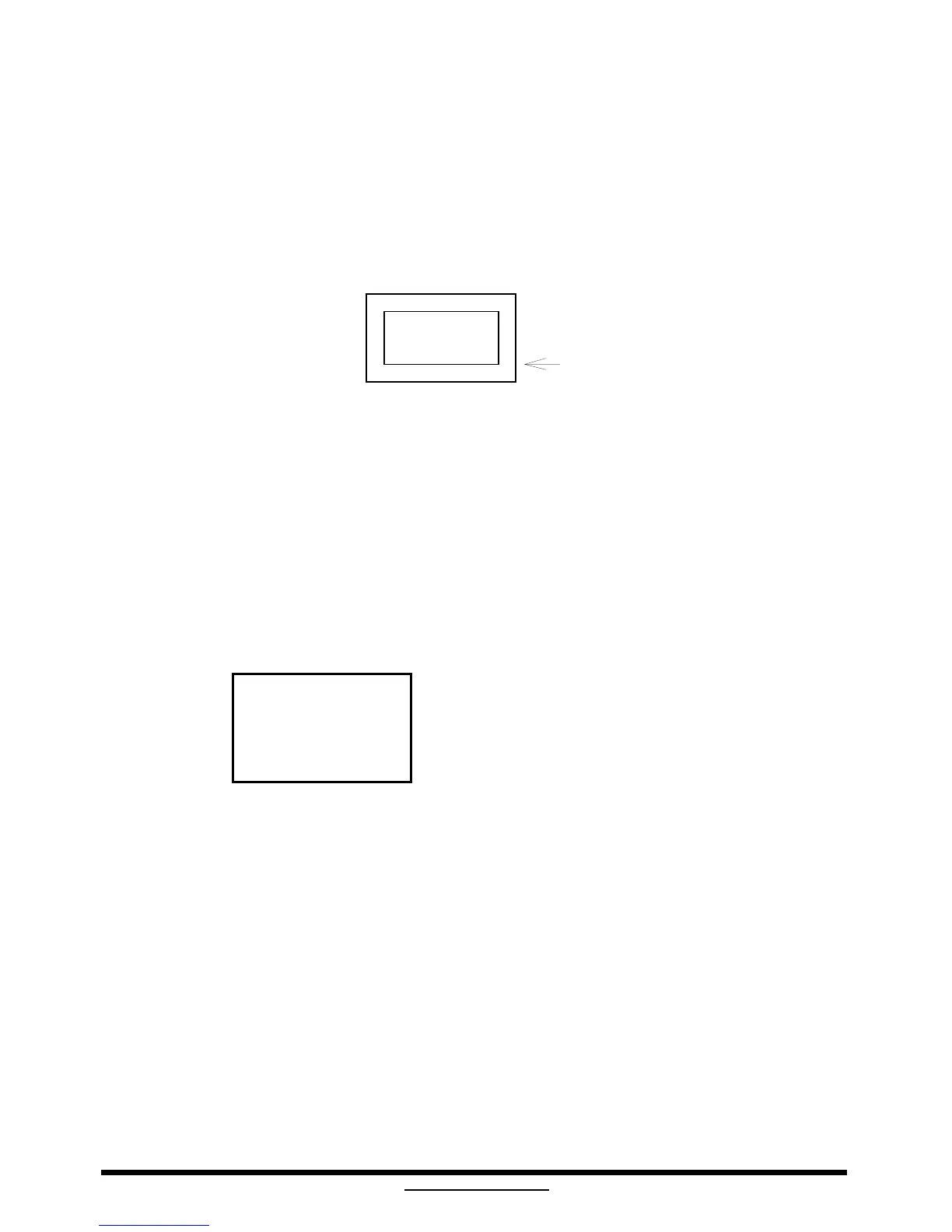
c. Adjust focus VR of FBT to make "A" area focus clear.
A
video
raster
7. Convergence Adjustment
a. Input mode 53.6KHz (SVGA5) with purple cross hatch pattern.
b. Adjust 4-pole magnetic ring of Yoke to meet specification.
c. Input mode 53.6KHz (SVGA5) with yellow cross hatch pattern.
d. Adjust 6-pole magnetic ring of Yoke to meet specification.
e. Input mode 53.6KHz (SVGA5) with white cross hatch pattern.
f. Re-confirm the mis-convergence can meet spec.
B D
A
A
≦
0.2 mm
C E
B,C,D,E
≦
0.3 mm
8. Power Saving Function Check
a. Input mode 53.6KHz (SVGA5) with full white pattern.
b. Set external contrast and brightness keys to maximum position.
c. Remove H-Sync only, the video and raster should be extinguished. The LED shows amber color
and the power consumption should be less than 60W.
d. Remove V-Sync only, the video and raster should be extinguished. The LED shows amber
color and the power consumption should be less than 5W.
e. Remove both H and V Sync, the power consumption should be less than 5W and LED shows
amber color.
f. Input H-Sync and V-Sync, the video should be exhibited again and LED on (green).



 To Next Page