10
7.2.6 Sleep Mode Function
Sleep Mode Function aims to set the scale to lower-power state by setting the time of “non-operating”. The
scale will wake up by any loading or key touching.
① Press [MC/Set] key to enter the Set mode during the countdown of power on;
② Input the time of non-operating and press [MC/Set] key to confirm;
③ Press [C/ESC] key to exit.
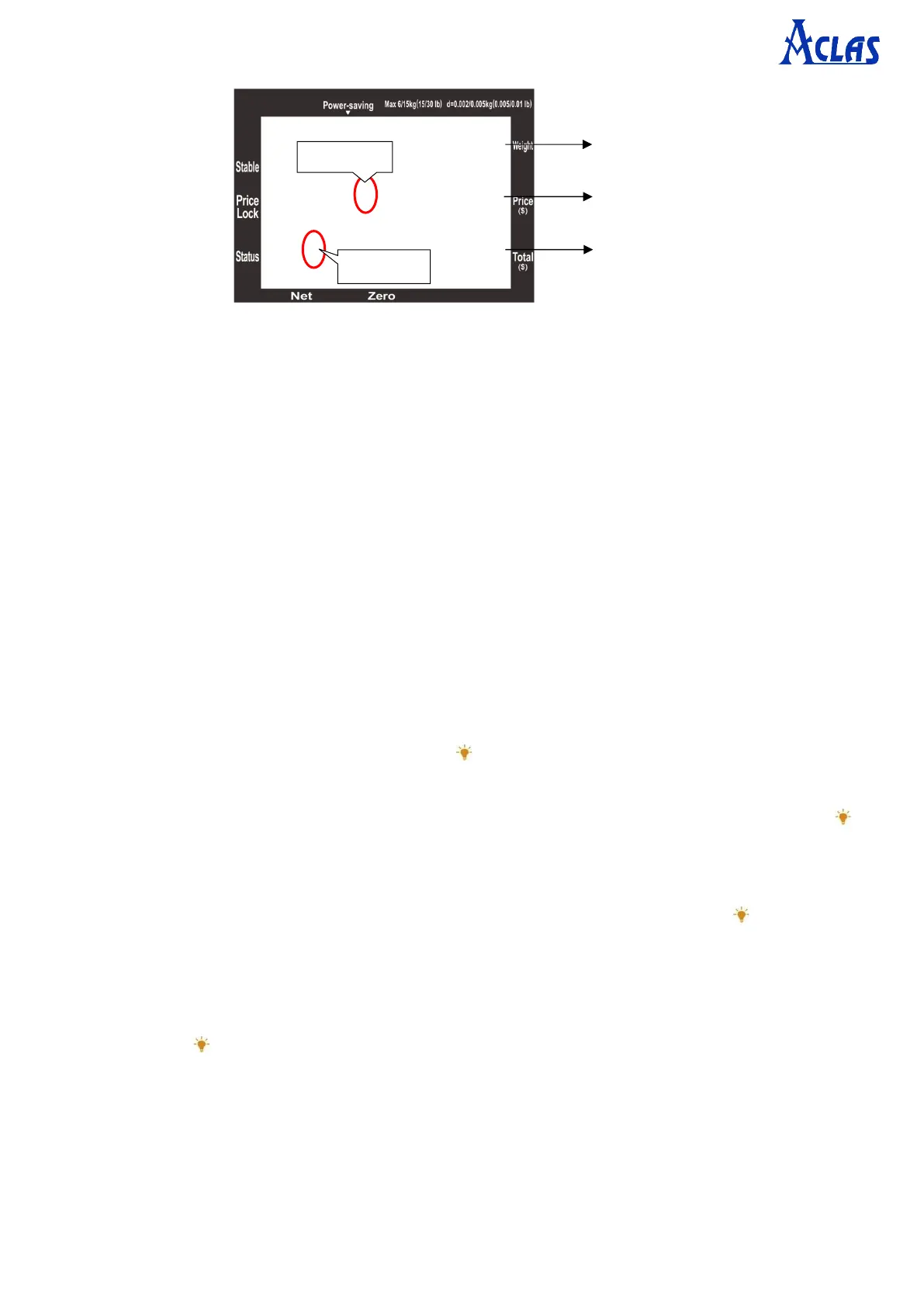
Note: When scale is in Sleep Mode, “Power-saving” index will be shown on display.
Default non-operating time of scale is 5 seconds. If it’s set to be 200 seconds, the scale won’t go into Sleep
Mode (no “power-saving” index shown).
7.2.7 Backlight Setting
① Backlight On/Off:
a. Under Weighing Mode, press and hold the [ ] key for 2.5 seconds to open or close the operator
display backlight;
b. Press [MC/Set] key to enter Set Mode during the countdown of power on → press and hold the [ ]
key for 2.5 seconds to open or close the customer display backlight → press [C/ESC] key to exit.
② Backlight level:
Press [MC/Set] key to enter Set Mode during the countdown of power on → press the [ ] key to switch
the backlight level (0-7 level, default backlight level 3) → press [C/ESC] key to exit.
③ Backlight time: Backlight time is to set how long backlight is on.
Press [MC/Set] key to enter Set Mode during the countdown of power on → input the backlight time
→ press the [ ] key to confirm → press [C/ESC] key to exit.
Note: Default backlight time is 2 seconds. User can set 1~200s as needed. If set to 200s, the backlight will
be always on (Display will show index “F” at Total column).
Backlight time must be set shorter than non-operating time. When scale goes into Sleep Mode, backlight
will be off.



 To Next Page