24
7.1.4 Start Engraving
① Remove the previously used engraving material for
camera calibration, place the new engraving material, and
refer to the previous step to adjust the laser working focal
distance.
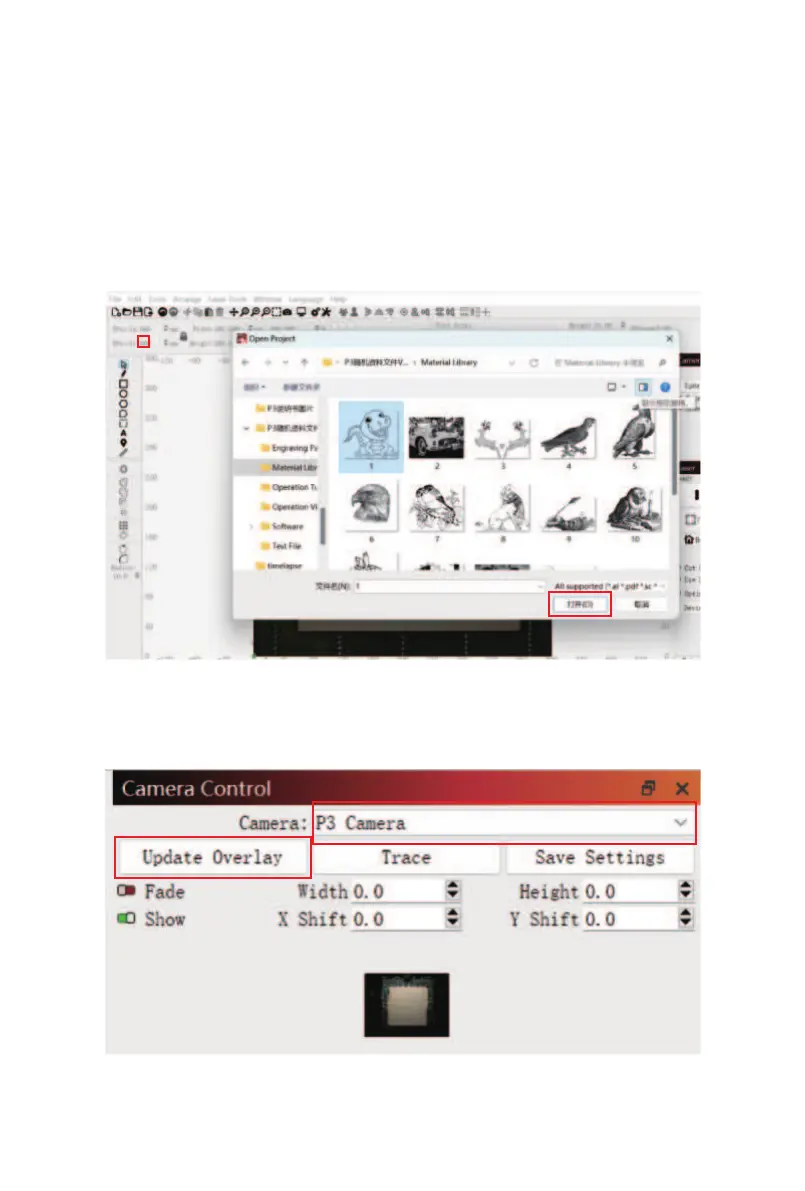
② Click the "Open" button in the software toolbar, select
the engraving file, and click "Open"
③ After importing the file, select"P3 Camera",and click
"Update Overlay" in the Camera Control window.



 To Next Page