25
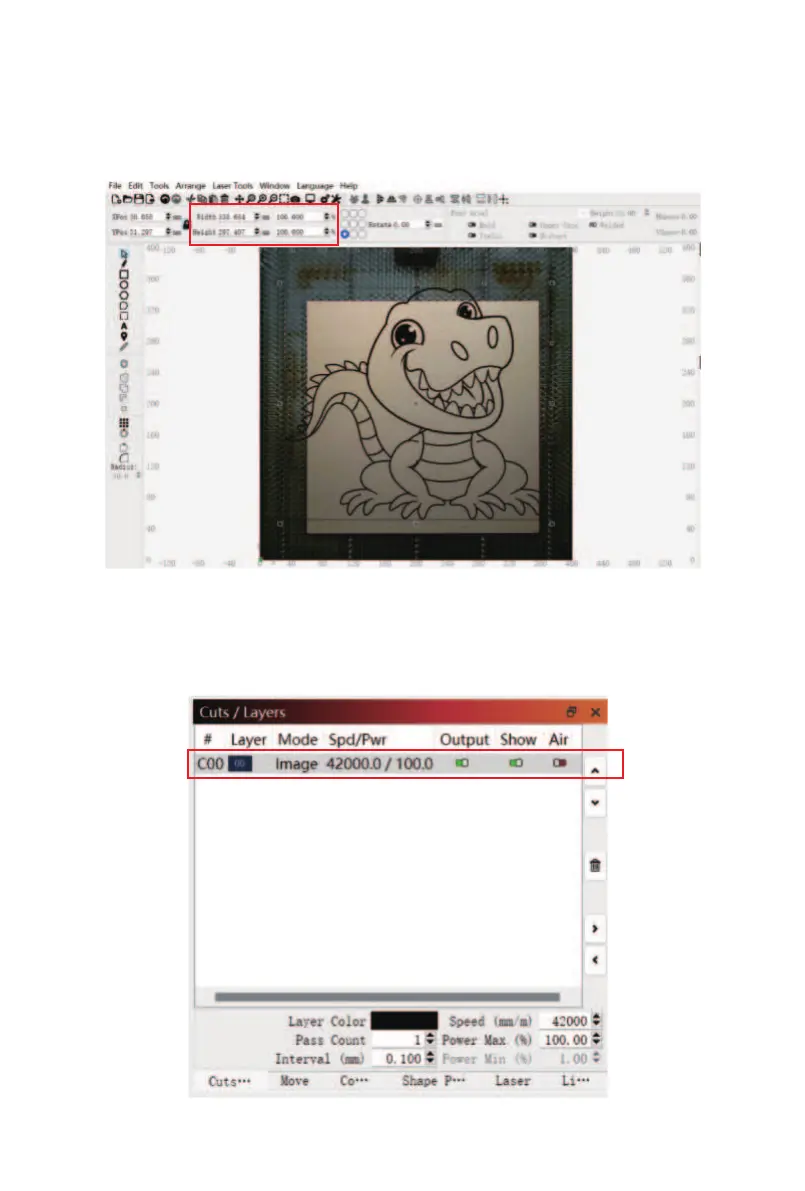
④ Find the function key to adjust the size of the pattern
in the software toolbar, select the engraving pattern, and
adjust it to the desired size (the engraving pattern size
should not exceed the size of the engraving material).
⑤ Click "Cuts/Layers", double-click the layer correspond-
ing to the engraving pattern to enter the engraving
parameter setting page.



 To Next Page